Test both sides of your marketplace.
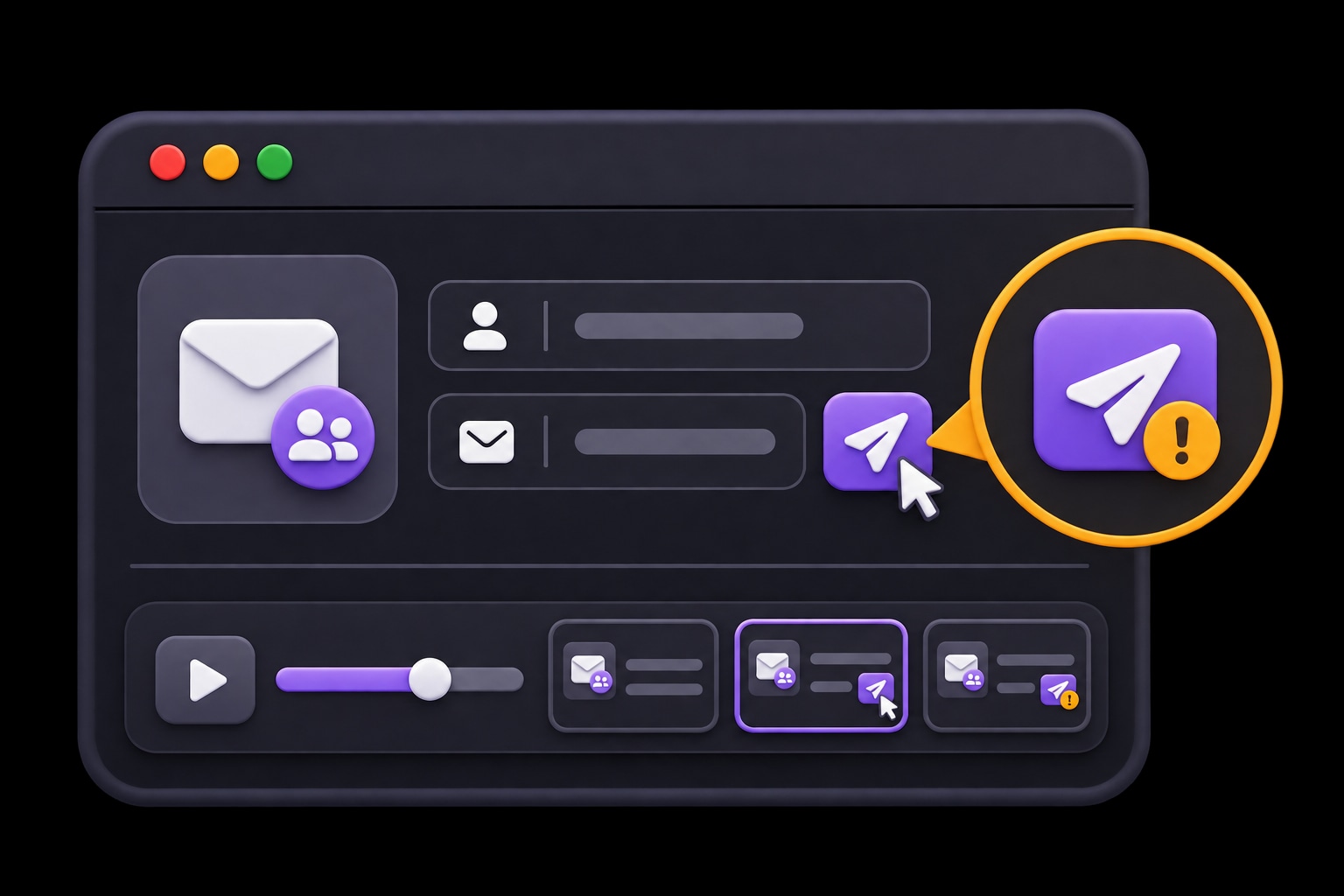
A listing can work for a seller and still fail to reach a buyer. HiTest tests listing, discovery, and account workflows on both sides of your marketplace before you release changes.
Use cases
A seller-side pass is only half the check.
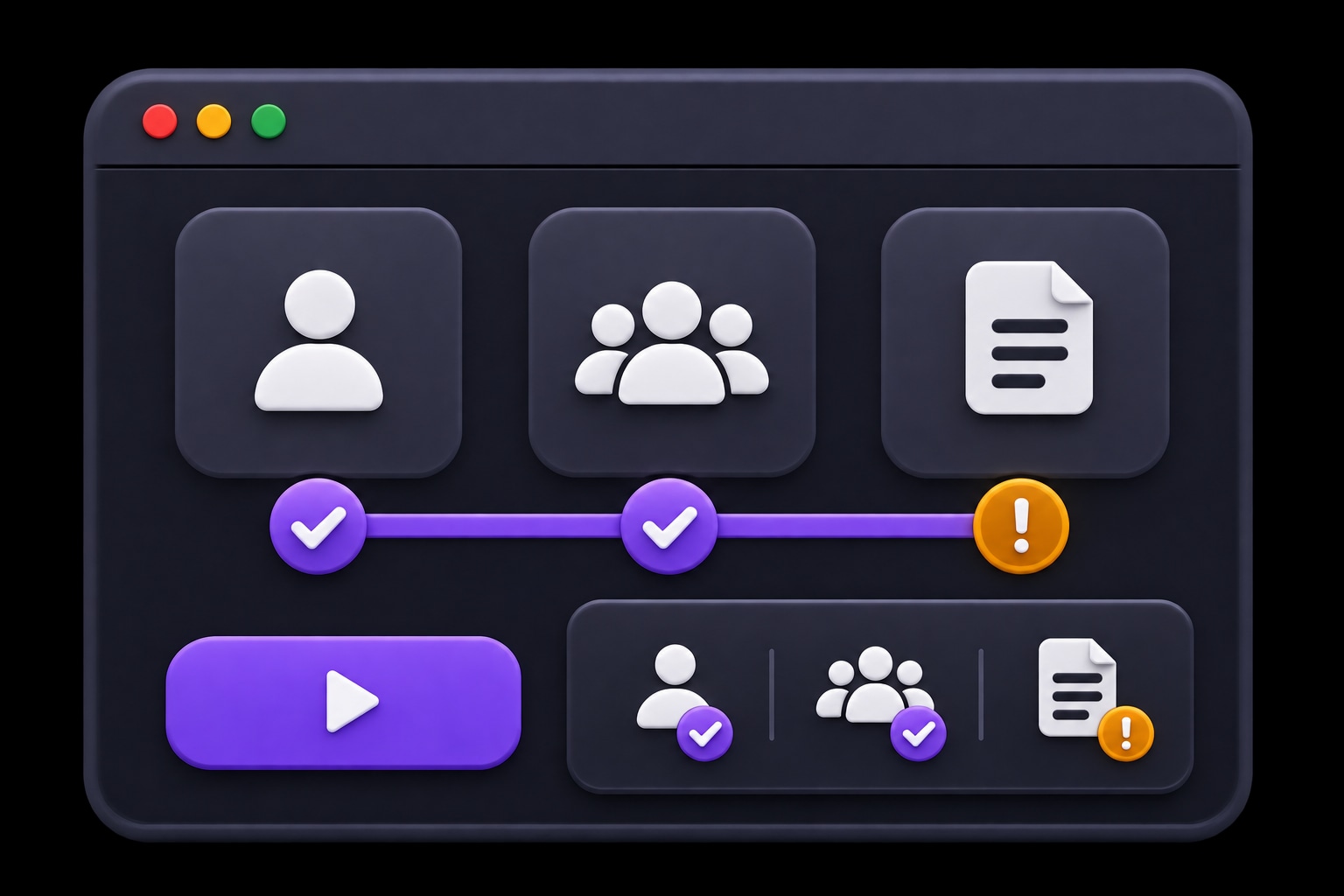
Test the buyer and seller experiences separately, then check the handoffs between them. Find listings, access, or discovery issues that affect just one side.
Draft checks for listings, discovery, and the customer-facing result.
- Check for
- A prepared listing reaches the visible state expected for the test.
Check buyer, seller, and operator behavior with separate test accounts.
- Check for
- Each side of the marketplace can complete its assigned journey.
Keep reviewed cases in focused plans for recurring or deployment-triggered runs.
- Check for
- The reviewed plan repeats with the intended accounts and listing states.
Published for the seller. Visible to the buyer.
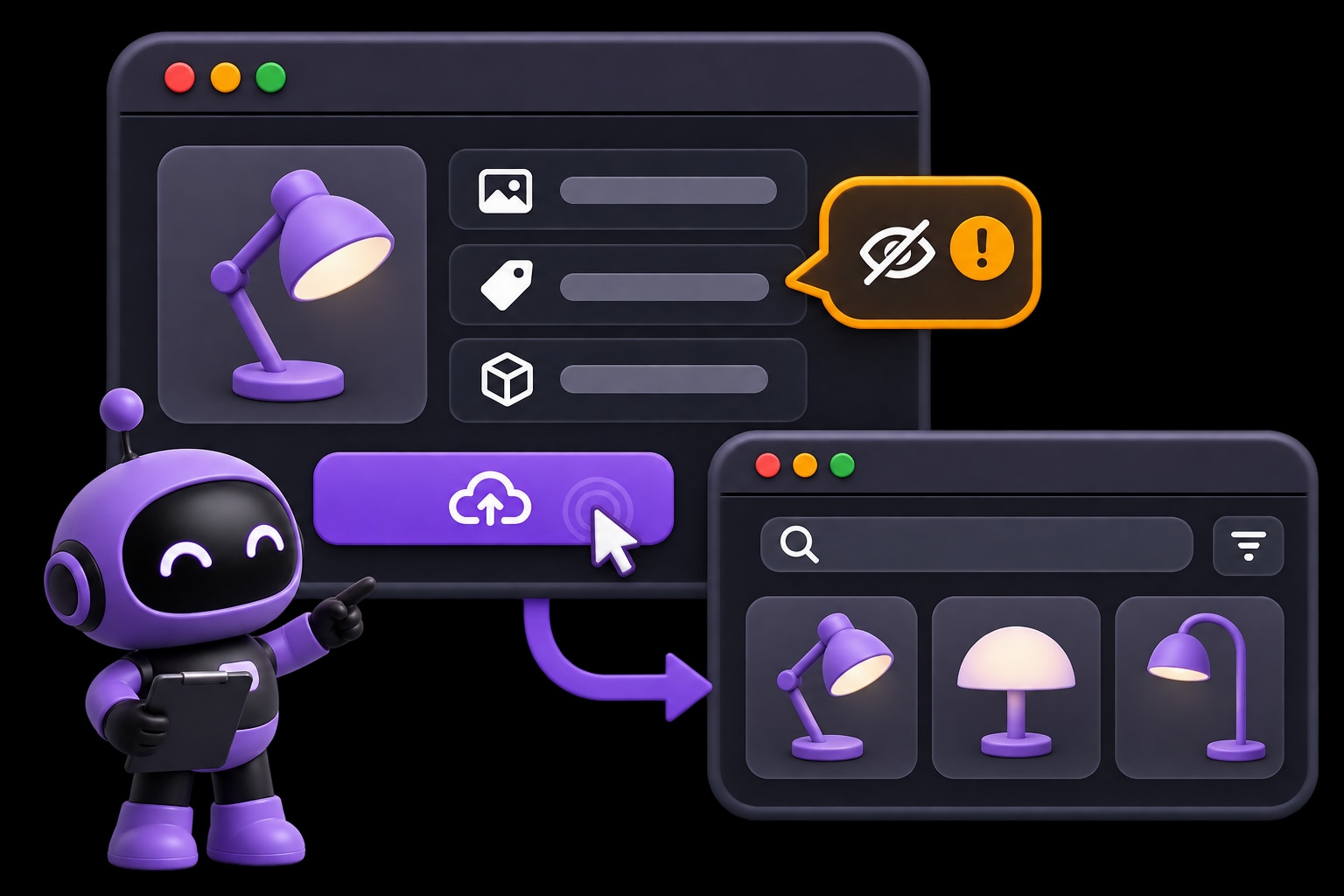
Check the handoff from a listing action to its expected visible state. Review the account, failed step, and browser result when the listing stays in draft.
- EXPECTED
- A published listing becomes visible to buyers.
- OBSERVED
- The listing remains in draft.
Start with one journey.
Describe the task, review the suggested tests, and choose when they run.
- 01
Choose a handoff
Start with a listing or buyer-facing task.
Explore and review cases - 02
Prepare each side
Set up the accounts and listing state.
Prepare test accounts - 03
Review the result
Check the visible outcome for the intended role.
Set plan triggers
Questions about HiTest
How do we check a journey that involves buyers and sellers?
Prepare the accounts and test listing states for each side. Use separate cases for seller actions and buyer-visible outcomes, with explicit setup and expected results. Your team controls the test data and the order in which dependent cases are run.
Can we run these checks in staging?
Yes. Use your staging Base URL and accounts for that environment. The site must be reachable by HiTest's browser sessions. Prepare the records and account states the cases need before running the plan.
Can we run the plan after a deployment?
Yes. Configure a deployment webhook for the test plan and call it when the target environment is ready. You can also run the plan manually or on a schedule. Your team reviews the results and controls the release decision.
What will we see when a check fails?
Review the failed step, expected behavior, result summary, and issue context. Screenshots and recordings, when available, help the team see what happened in the browser and investigate the cause.
Check both sides before your next release.
Start with publishing a listing and checking whether a buyer can find it.