AI QA Agent for SaaS

Keep shipping. Keep flows working.

AI browser tests for signup, permissions, and upgrades. Let HiTest repeat the checks while your team builds.

Start for free
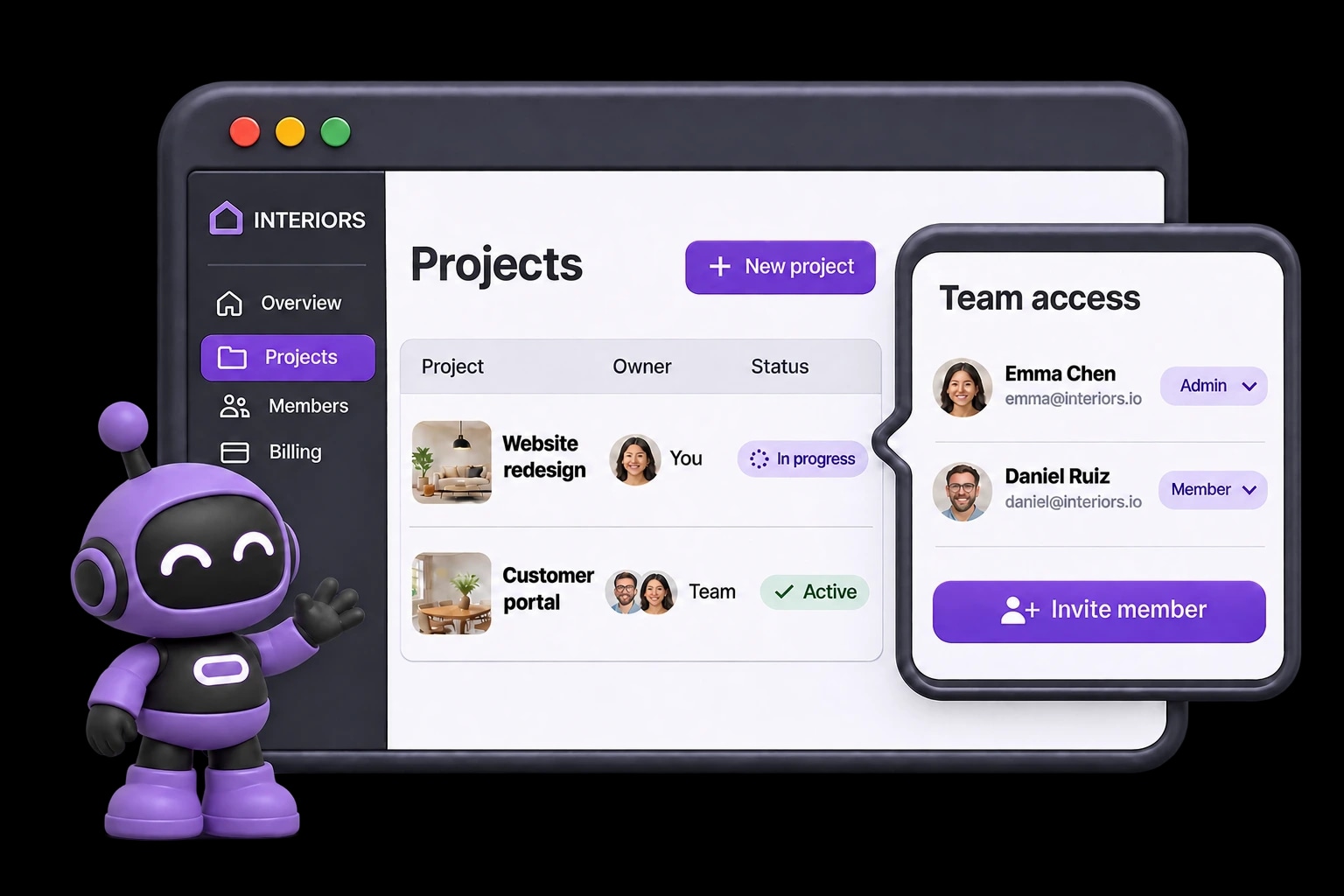
HiTest checks a SaaS workspace and team permissions with the current purple robot mascot.

“Every release adds features. And another round of checks.”

New users, team roles, and paid plans all take different paths through your product. Repeating those checks by hand takes time away from the next feature.

Protect the path to first value.

A new account should reach the moment your product becomes useful. Describe that journey and review the browser tests HiTest drafts, from signup to the first core task.

  • Cover signup, workspace setup, and the first product action
  • Review the steps and expected outcomes before saving
  • Keep useful cases in a repeatable onboarding plan

Keep access working as your product changes.

Invitations, permissions, and upgrades behave differently for each account. Repeat saved checks with the roles and subscription states your customers use, without another manual pass after every release.

  • Assign prepared admin, member, and paid-plan test accounts
  • Check invitations, restricted pages, and paid feature access
  • Run on a Schedule or call the plan's Webhook after deployment

See what broke. Give engineering a starting point.

An upgrade can complete while the paid feature stays locked. HiTest shows the failed step and expected outcome, with available browser evidence to help your team investigate.

  • Compare expected access with the observed product state
  • Review available screenshots and recordings
  • Rerun the saved case after the fix

FAQ

What SaaS teams want to know

Can HiTest test different roles and subscription plans?

Yes. Prepare test accounts with the roles and plan states you need, then assign the right account to each case. Make the expected access explicit so the run checks the behavior for that account, rather than assuming every user sees the same product.

Can we run these checks in staging?

Yes. Use your staging Base URL and accounts for that environment. The site must be reachable by HiTest's browser sessions. Prepare the records and account states the cases need before running the plan.

Can we run the plan after a deployment?

Yes. Configure a deployment webhook for the test plan and call it when the target environment is ready. You can also run the plan manually or on a schedule. Your team reviews the results and controls the release decision.

What will we see when a check fails?

Review the failed step, expected behavior, result summary, and issue context. Screenshots and recordings, when available, help the team see what happened in the browser and investigate the cause.

Protect what cannot break

Keep your next release moving.

Connect one critical regression plan to your deployment and let HiTest handle the repeat browser checks.