AI QA Agent for e-commerce

Ready for traffic? Check the checkout.

Test the path from product discovery to order confirmation. Catch purchase-blocking bugs before your next campaign.

Start for free
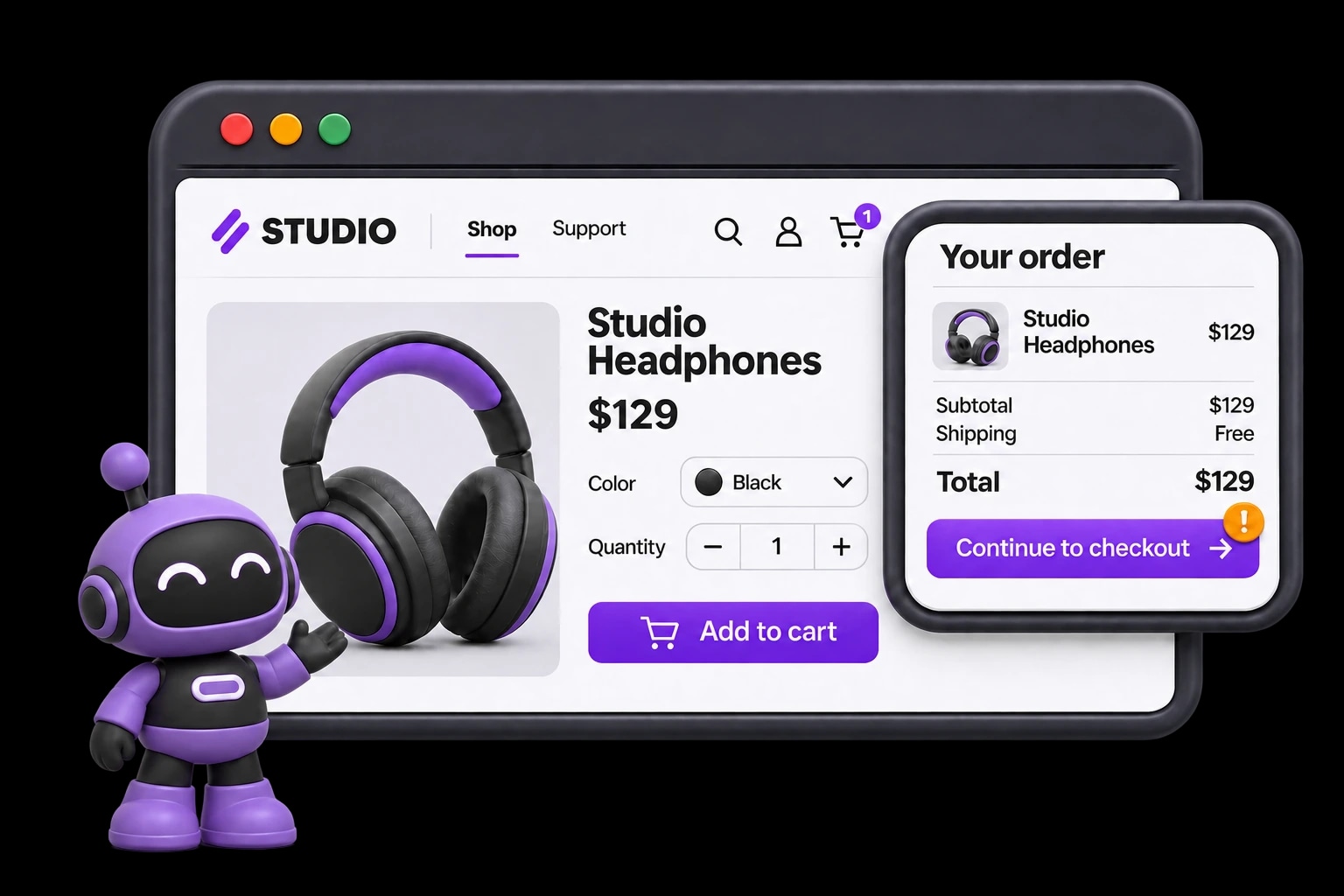
HiTest inspects a product, cart, and checkout journey with the current purple robot mascot.

“Your campaign is ready. Is your checkout?”

A broken discount, shipping choice, or checkout step can stop a shopper from ordering. Repeat the full purchase journey before releases and campaigns bring more traffic.

Cover the whole path to an order.

A working product page is only the start. Describe a shopping journey and review the tests HiTest drafts for discovery, cart updates, and checkout, with the expected result at each step.

  • Check search, product variants, and cart changes
  • Review discount, shipping, and test-payment cases
  • Make order confirmation an explicit test outcome

Recheck checkout before the traffic arrives.

Theme changes and promotions can affect a purchase path you checked yesterday. Let HiTest repeat your saved shopping plan before a campaign or after deployment, using sandbox payments and prepared test data.

  • Repeat guest and signed-in purchase journeys
  • Run manually, on a Schedule, or through a Webhook
  • Get results in Slack or email before your team reviews launch readiness

Find the step that stopped the purchase.

When a test order fails, your team needs more than a red badge. Review the failed action, expected confirmation, and available browser evidence, then repeat the same check after a fix.

  • See the expected result alongside what happened
  • Investigate with available screenshots and recordings
  • Keep the purchase path covered for the next campaign

FAQ

What commerce teams want to know

How should we test checkout without creating real purchases?

Use a staging storefront, a payment provider's test mode, and test products and accounts. State in the case which test payment method to use and what confirmation should appear. HiTest follows the browser journey you configure; your team prepares the checkout environment and its test data.

Can we run these checks in staging?

Yes. Use your staging Base URL and accounts for that environment. The site must be reachable by HiTest's browser sessions. Prepare the records and account states the cases need before running the plan.

Can we run the plan after a deployment?

Yes. Configure a deployment webhook for the test plan and call it when the target environment is ready. You can also run the plan manually or on a schedule. Your team reviews the results and controls the release decision.

What will we see when a check fails?

Review the failed step, expected behavior, result summary, and issue context. Screenshots and recordings, when available, help the team see what happened in the browser and investigate the cause.

Protect what cannot break

Test the path behind your next campaign.

Run a shopping test plan before your next campaign and investigate the failures that could block an order.