AI QA Agent for CTOs

Ship faster. With confidence.

Fast browser checks. Detailed run reports. Built to fit your CI/CD workflow.

Start for free
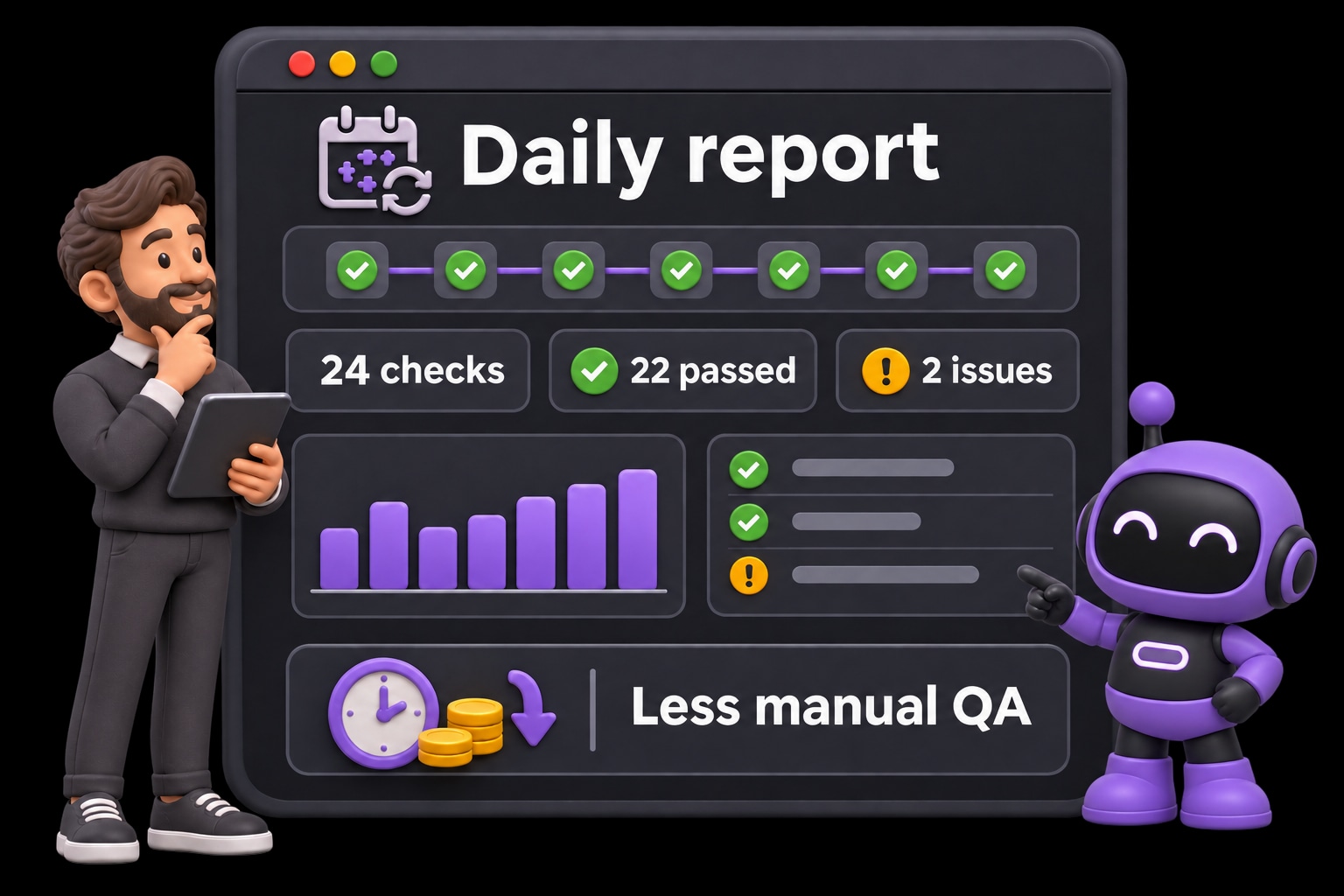
An engineering leader reviews HiTest's daily test summary, with passed checks, issues to review, and less manual QA work.

“Almost fifty cents out of every dollar will go to finding and fixing bugs.”

CISQ 2020 report, p. 41 · Large systems over a 25-year life

Slow test cycles and unclear failure reports turn that cost into engineering hours. Get faster feedback, detailed results, and browser checks that fit your existing delivery workflow.

Get release feedback while the change is fresh.

Run your critical browser checks in the cloud instead of repeating a manual smoke pass. Parallel execution helps your team review more journeys together and investigate failures while the deployment is still in context.

  • Run independent cases in parallel, within your plan's capacity
  • Repeat saved smoke plans after each deployment
  • Get results in Slack or email when the run finishes

See the report behind every release.

A pass or fail badge is only the starting point. Review case-level results, the failed step, and expected versus observed behavior, with available browser evidence to help your team decide what needs attention.

  • See how many cases ran, passed, or failed
  • Inspect the failed step and available screenshots or recordings
  • Give engineers context and rerun the checks after a fix

Fit browser checks into your existing CI/CD.

Keep the delivery pipeline your team already uses. Call a test plan's Webhook URL after deployment, pass the preview or staging URL, and let HiTest run the browser checks and record the results.

  • Connect GitHub Actions, GitLab CI, or any HTTP-capable workflow
  • Test the deployed environment with a Base URL override
  • Use run reports to inform your team's release decision

FAQ

What engineering leaders want to know

How quickly can we get test results?

Saved test plans run in cloud browsers, with independent cases executing in parallel up to your workspace plan's capacity. Total duration depends on the number of cases, their length, your environment, and available concurrency. Run a focused smoke plan for feedback on the journeys most important to your release.

What does a run report include?

The run detail shows case results and counts, including what passed, failed, or was skipped. Open a failed case to inspect the failing step, expected and observed behavior, and available screenshots or recordings. Your team can use that evidence to investigate and decide what needs attention before release.

How do we connect HiTest to our CI/CD workflow?

Enable Webhook under Automatic runs on a saved test plan, copy its generated Webhook URL, and save the active plan. Have GitHub Actions, GitLab CI, or another HTTP-capable workflow call that URL after deployment succeeds. The request starts a background run; your team reviews the resulting report to inform the release decision.

Can we test preview and staging environments?

Yes. Use the project's Base URL or pass a Base URL override through the test plan webhook. Prepare the corresponding accounts and test data, and make sure the deployed environment is reachable by HiTest's browser sessions.

Can HiTest work alongside our existing automated tests?

Yes. Keep your existing unit, integration, and scripted tests, and add HiTest for the browser journeys you want to verify after deployment. Your team controls the coverage, reviews the reports, and decides when a release is ready.

Protect what cannot break

Give your next release a clearer signal.

Get fast browser feedback and detailed run reports from the CI/CD workflow your team already uses.