AI QA Agent for web portals

Beyond page loads. Test real tasks.

Check search, request forms, and member access. Verify that visitors can finish what they came to do.

Start for free
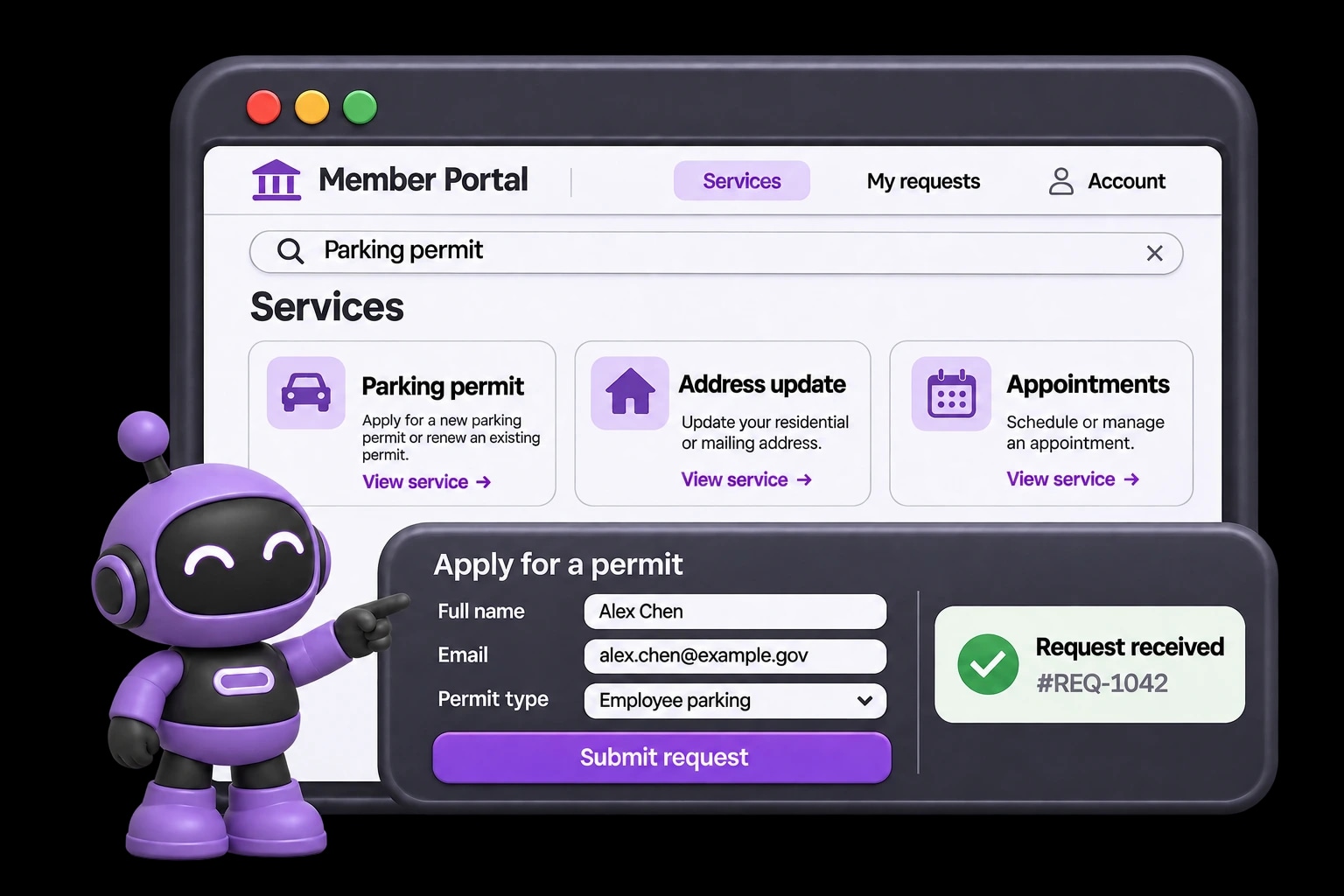
HiTest checks portal search and a service request form with the current purple robot mascot.

“The page loads. But can visitors finish the task?”

A site update can leave search results broken, forms stuck, or member pages out of reach. Check the complete journey, beyond the page that opens.

Turn visitor tasks into repeatable checks.

Visitors come to find information or complete a task. Give HiTest that goal, then review the suggested browser tests for search, request forms, and member services.

  • Follow search results through to the destination page
  • Check required fields and submission confirmation
  • Review signed-in journeys with the right member account

Keep self-service working after site updates.

A template or content update can break a form or hide a member action. Repeat saved visitor journeys after changes, so your team can review the outcome without clicking through the portal again.

  • Check navigation, forms, and restricted member pages
  • Run on a Schedule or after deployment via Webhook
  • Receive run results in email or Slack

Know when a request never reaches confirmation.

Submitting a form should produce a clear result. When that result is missing, HiTest identifies the failed step and shows the expected and observed behavior, with available evidence for investigation.

  • Check for the expected confirmation or request reference
  • Review the failure with available browser evidence
  • Rerun the same case after the form or template is fixed

FAQ

What portal teams want to know

Can we cover both public pages and signed-in member areas?

Yes. Public journeys can start from the portal URL. Add a test account for member or partner journeys, then assign it to the case with the expected access. Keep public discovery and role-specific self-service checks as separate cases when their starting states differ.

Can we run these checks in staging?

Yes. Use your staging Base URL and accounts for that environment. The site must be reachable by HiTest's browser sessions. Prepare the records and account states the cases need before running the plan.

Can we run the plan after a deployment?

Yes. Configure a deployment webhook for the test plan and call it when the target environment is ready. You can also run the plan manually or on a schedule. Your team reviews the results and controls the release decision.

What will we see when a check fails?

Review the failed step, expected behavior, result summary, and issue context. Screenshots and recordings, when available, help the team see what happened in the browser and investigate the cause.

Protect what cannot break

Test your portal before the next site update.

Choose a search, request form, or member service to check after your next site update.