Keep approvals and queues working.
Broken approvals, queues, and reports create extra work for your team. Let HiTest repeat the browser tasks your operations depend on and give engineering the context to investigate failures.
Use cases
Find broken tasks before they become workarounds.
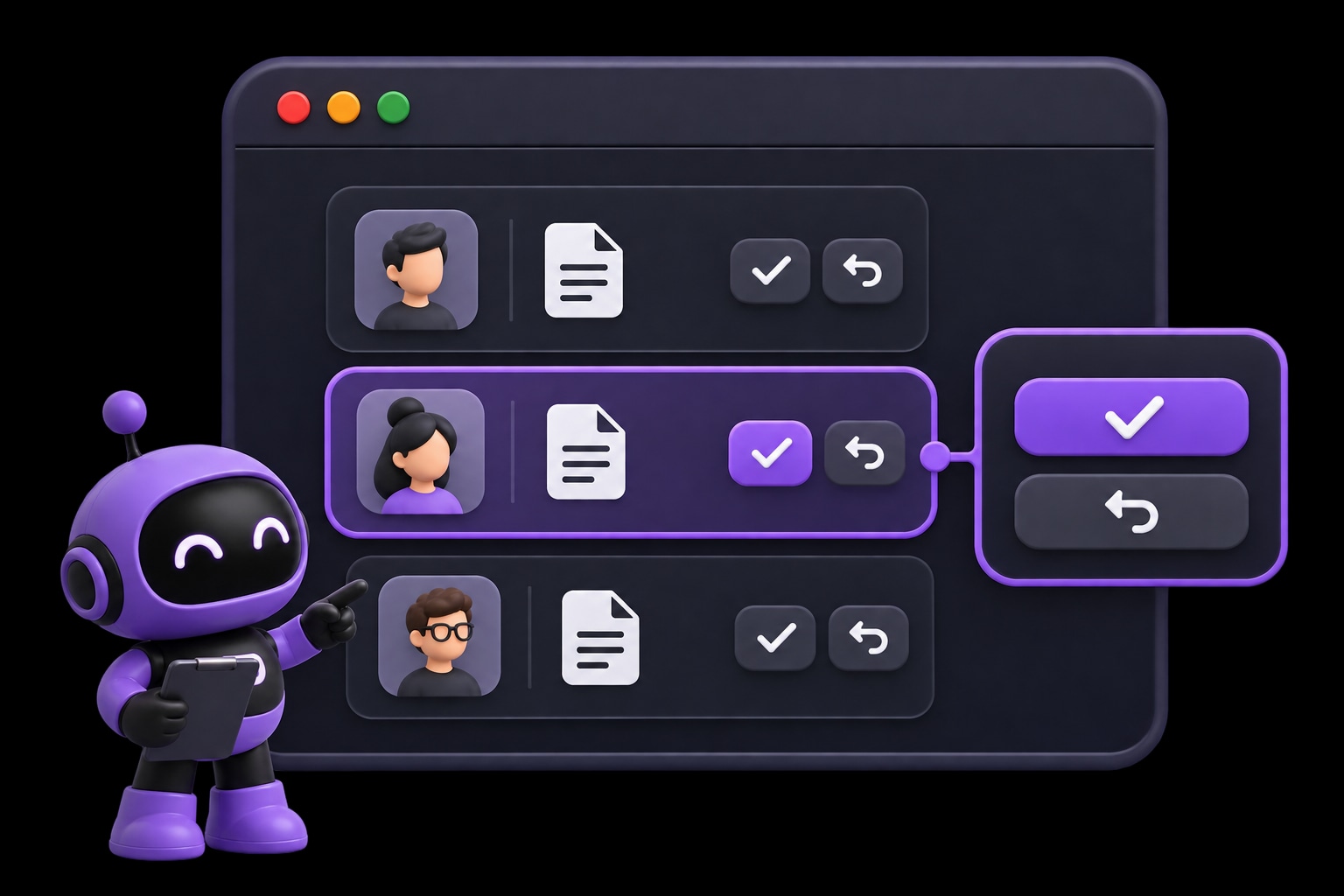
Repeat the approvals, queue actions, and reporting tasks your team uses every day. Check the outcome with the account that does the work.
Draft checks for approvals, queue actions, filters, and other daily tasks.
- Check for
- An action updates the request or queue to its expected visible state.
Use manager, operator, and admin accounts with explicit expected access.
- Check for
- Each test account can reach the tools and actions its role needs.
Schedule reviewed plans or run them after an internal-tool deployment.
- Check for
- Recurring plans repeat the operating tasks selected by your team.
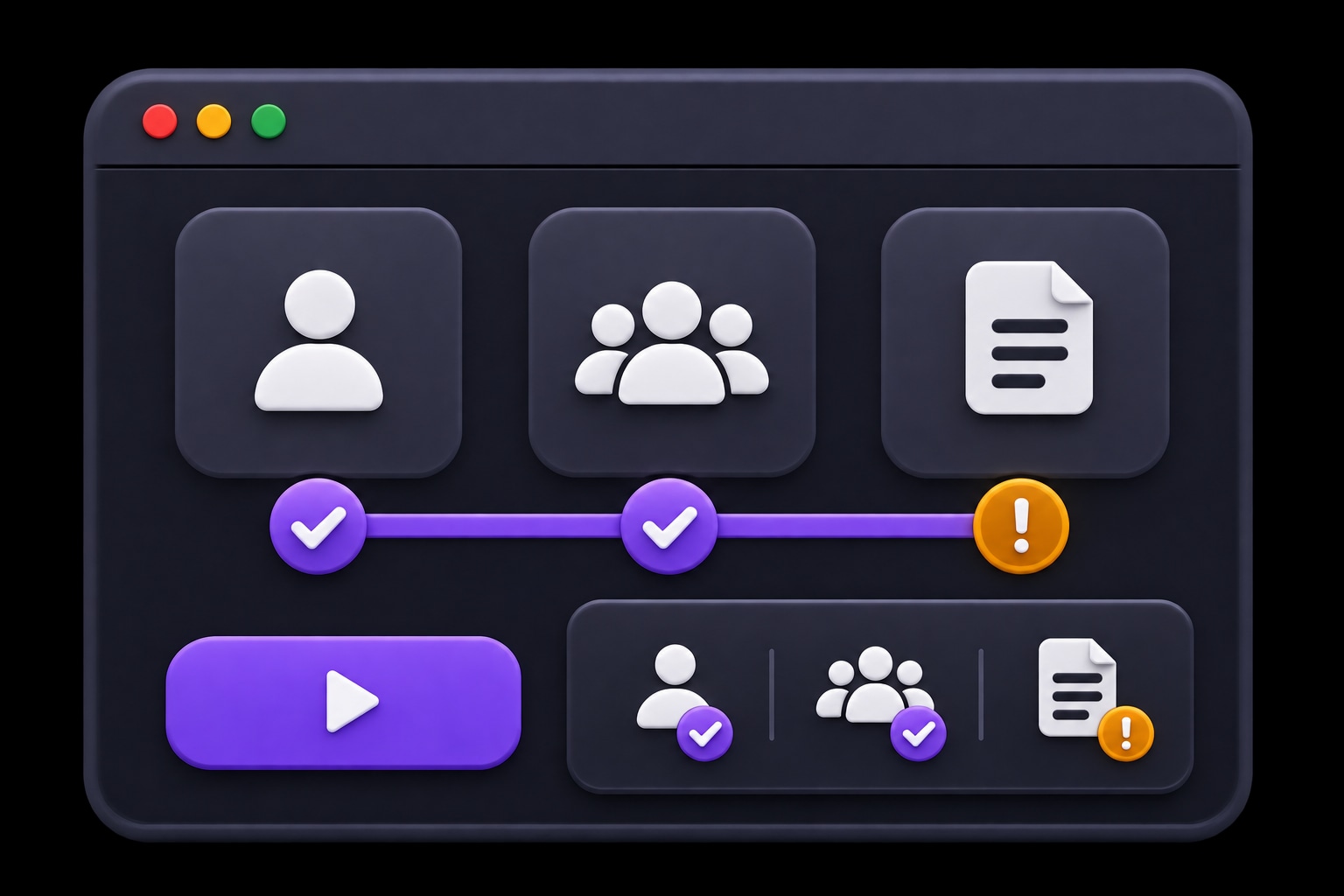
An approval should change what the queue shows.
Check the visible outcome after an action, including the status the next operator relies on. Use the failed step and evidence to investigate a blocked task.
- EXPECTED
- Approving the request updates its queue status.
- OBSERVED
- The request still appears as pending.
Start with one journey.
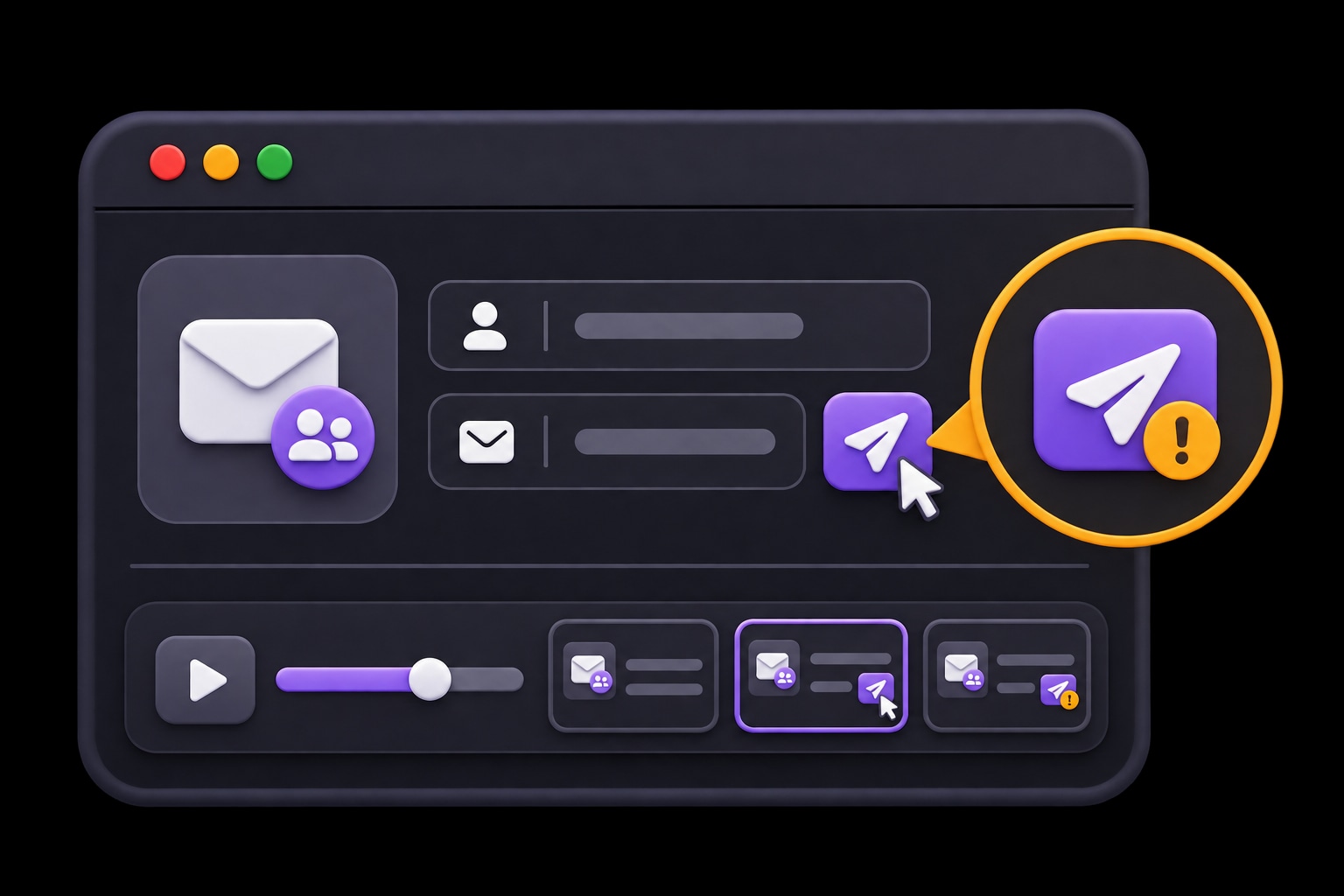
Describe the task, review the suggested tests, and choose when they run.
- 01
Choose a daily task
Pick an approval, queue action, or report.
Explore and review cases - 02
Set the starting state
Prepare the request and operating role.
Prepare test accounts - 03
Repeat and investigate
Run the check and review the resulting state.
Set plan triggers
Questions about HiTest
Can HiTest check tools that require an employee account?
Yes, when the browser can reach the environment and the case has the required test account and login context. Use an account with the role the task needs, prepare a test request or record, and describe the expected visible result.
Can we run these checks in staging?
Yes. Use your staging Base URL and accounts for that environment. The site must be reachable by HiTest's browser sessions. Prepare the records and account states the cases need before running the plan.
Can we run the plan after a deployment?
Yes. Configure a deployment webhook for the test plan and call it when the target environment is ready. You can also run the plan manually or on a schedule. Your team reviews the results and controls the release decision.
What will we see when a check fails?
Review the failed step, expected behavior, result summary, and issue context. Screenshots and recordings, when available, help the team see what happened in the browser and investigate the cause.
Put your daily workflows on a regular test plan.
Automate the approval, queue, or reporting task your team checks by hand today.