Test booking flows. Check portal access.
Find the broken form or booking step before it interrupts a portal visit. HiTest tests scheduling, intake, and patient or staff access using synthetic accounts and test data.
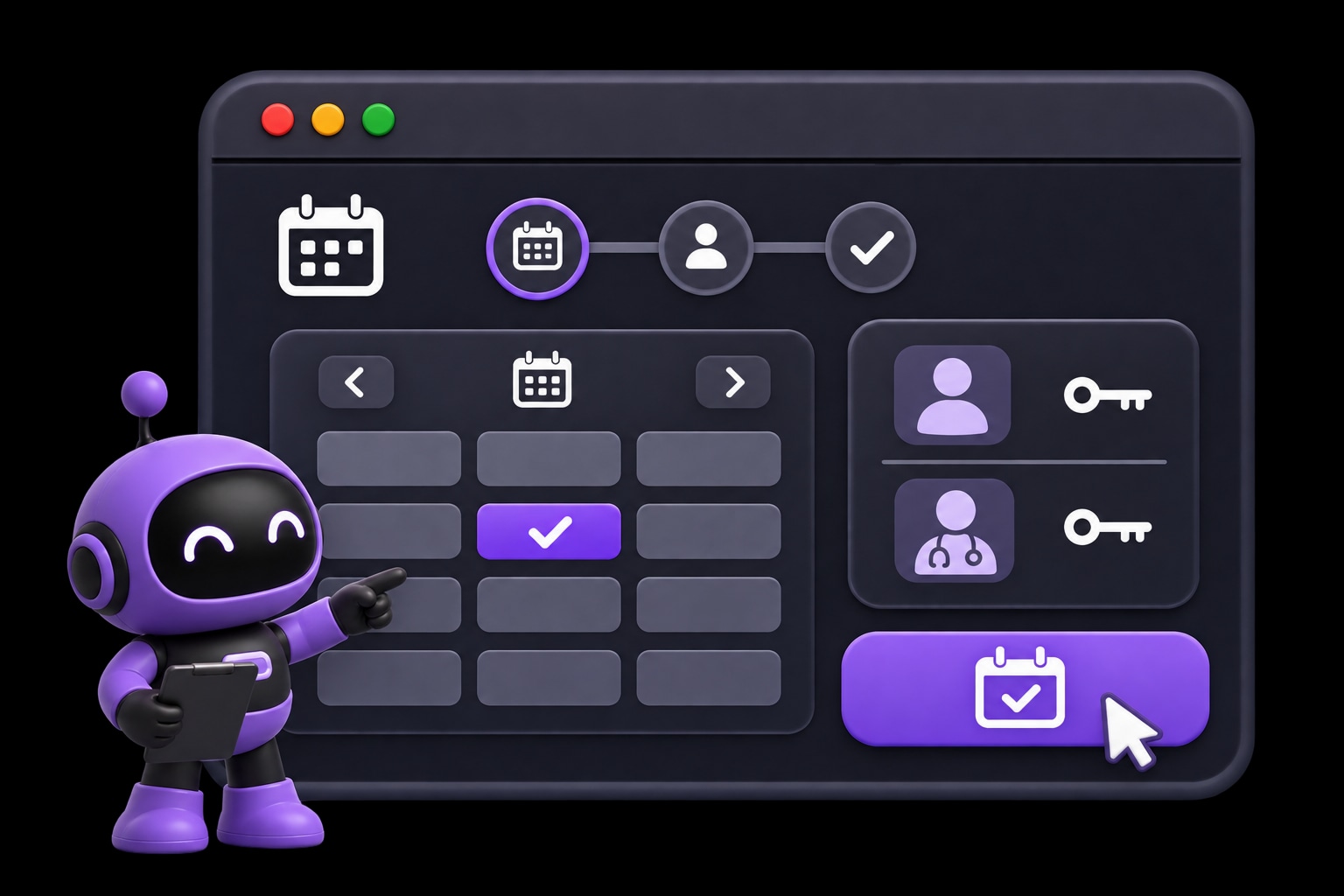
Use cases
Test the steps that complete a portal visit.
Check appointment selection, intake submission, and role-specific access. Repeat those journeys when the portal changes.
Review test ideas for appointment selection, intake forms, and confirmations.
- Check for
- Synthetic booking and form journeys reach their intended confirmation.
Use separate synthetic accounts for the portal experiences each role needs.
- Check for
- Prepared test accounts reach the portal experience expected for their role.
Run selected regression cases after releases or at a regular time.
- Check for
- Reviewed cases repeat against the intended test environment.
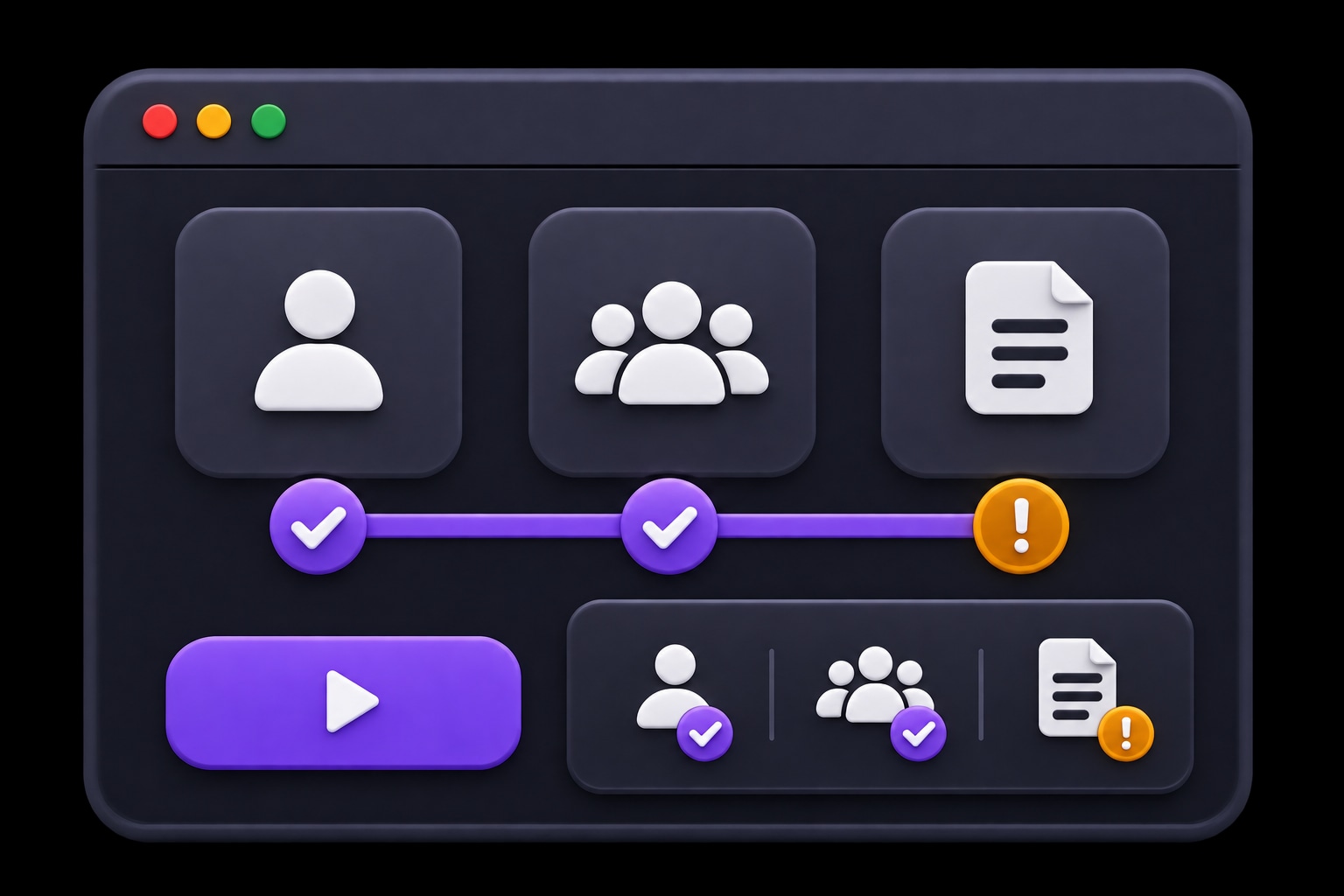
A selected appointment should reach confirmation.
Check that a chosen time remains selected as the user moves forward. A failed step shows the visible state that needs investigation.
- EXPECTED
- The selected appointment time reaches confirmation.
- OBSERVED
- The selection clears before the next step.
Start with one journey.
Describe the task, review the suggested tests, and choose when they run.
- 01
Choose a portal task
Start with scheduling, intake, or account access.
Explore and review cases - 02
Prepare test data
Use synthetic accounts and available test slots.
Prepare test accounts - 03
Review the visible result
Inspect the confirmation or the step that failed.
Set plan triggers
Questions about HiTest
What data should we prepare for a scheduling check?
Use a test environment with synthetic accounts, appointment slots, and form inputs. Describe the visible result the case should check, such as the selected time or booking confirmation. Prepare separate accounts for the patient and staff paths you want to exercise.
Can we run these checks in staging?
Yes. Use your staging Base URL and accounts for that environment. The site must be reachable by HiTest's browser sessions. Prepare the records and account states the cases need before running the plan.
Can we run the plan after a deployment?
Yes. Configure a deployment webhook for the test plan and call it when the target environment is ready. You can also run the plan manually or on a schedule. Your team reviews the results and controls the release decision.
What will we see when a check fails?
Review the failed step, expected behavior, result summary, and issue context. Screenshots and recordings, when available, help the team see what happened in the browser and investigate the cause.
Test your next portal update before it goes live.
Test a booking or intake flow with synthetic accounts and test data.