Test reports. Verify account access.
A stale report or incorrect permission can undermine a customer workflow. Use HiTest to test report filters, account access, and operational tasks with the right test accounts.
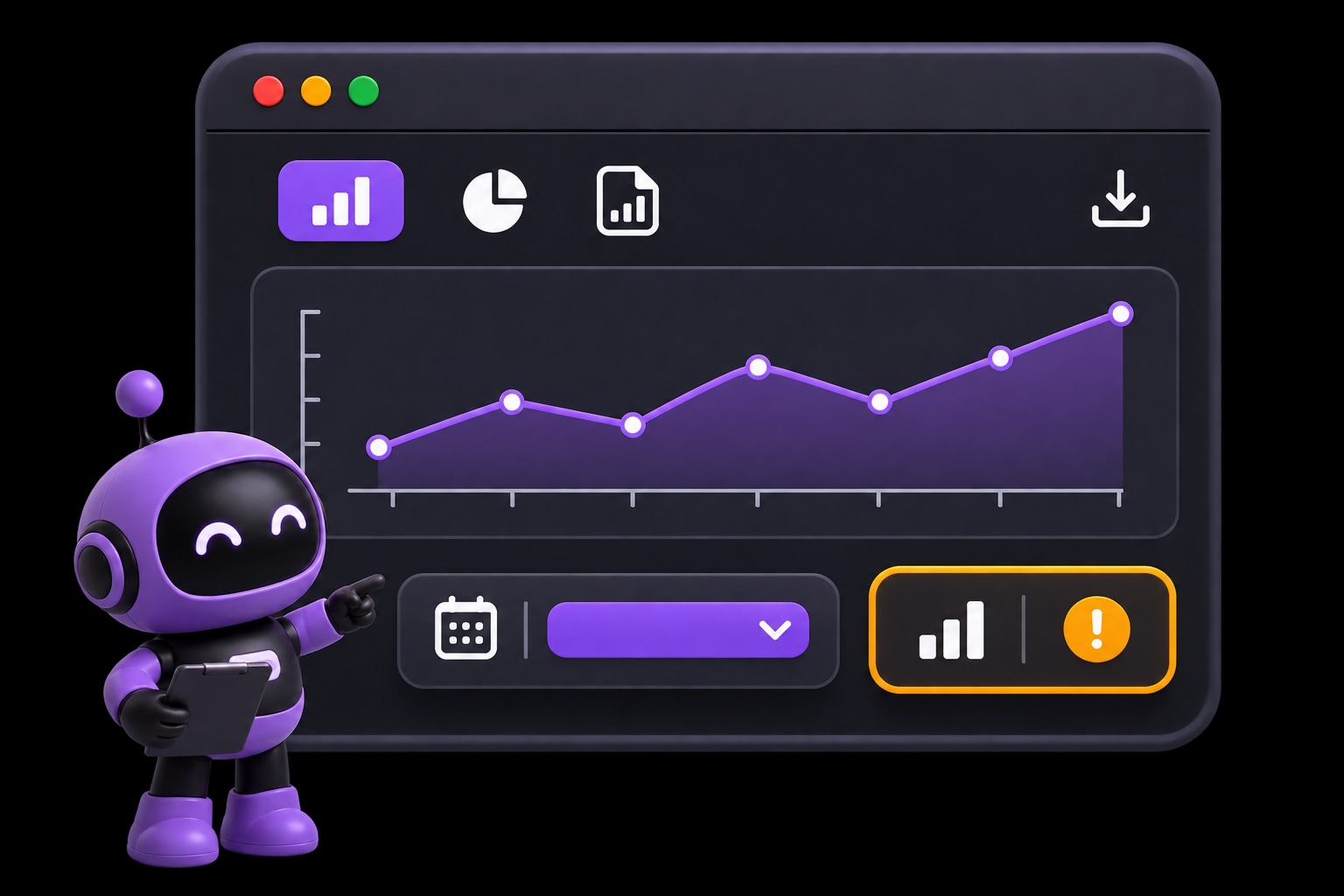
Use cases
Find report and access regressions before release.
Test reports, filters, and restricted views with the accounts each workflow needs. Catch the visible failures a successful deployment can miss.
Draft cases for filters, activity views, and other visible customer tasks.
- Check for
- The visible report matches its selected filters.
Check customer, analyst, and operator paths with their assigned test accounts.
- Check for
- Each test role sees only its expected workflows and account views.
Keep selected browser checks running after deployments or on a schedule.
- Check for
- The selected browser checks produce results for release review.
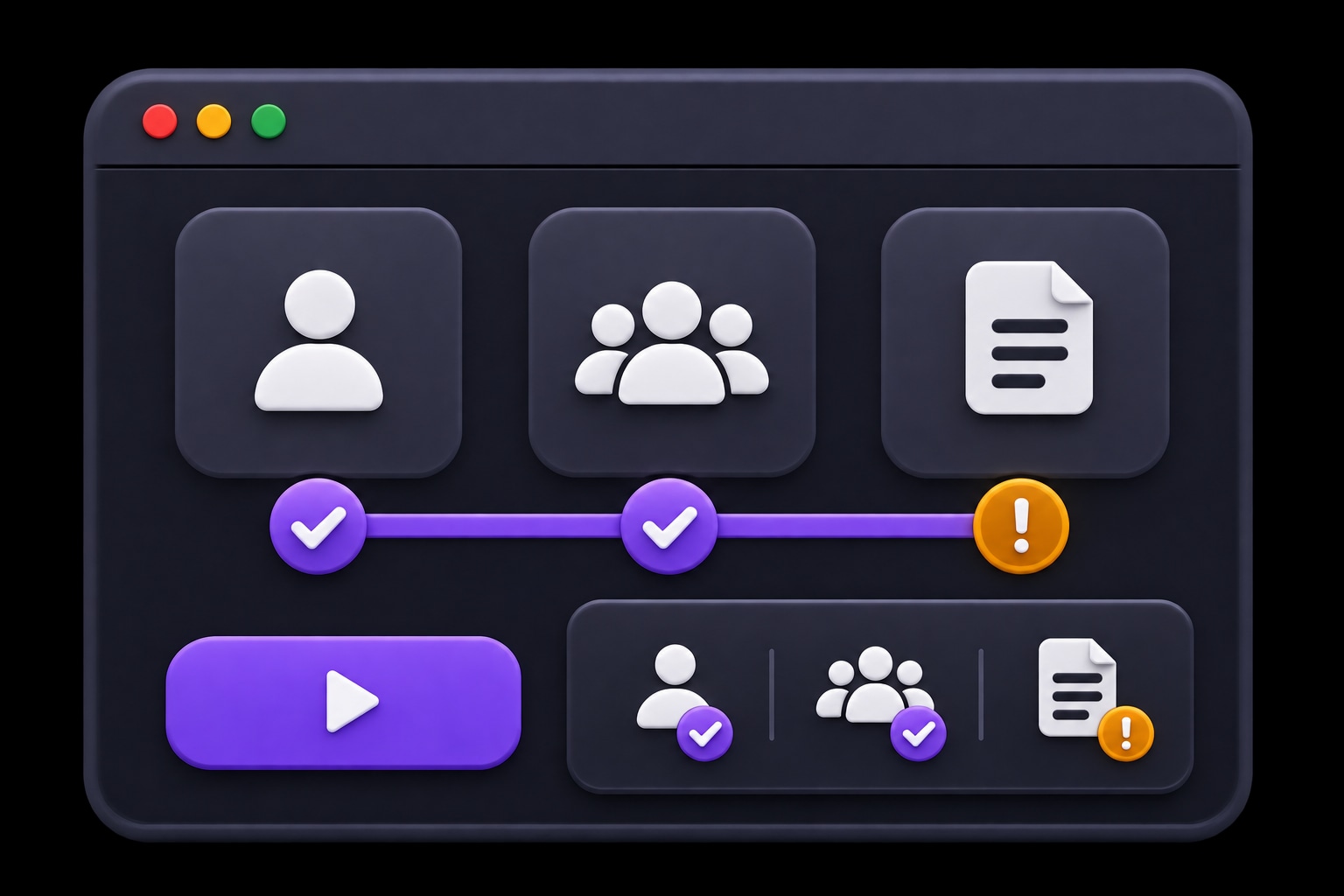
Check that the report reflects the selected period.
A filter can change while the visible report stays on the previous period. Capture the step and observed state so the team can investigate.
- EXPECTED
- Report results match the selected period.
- OBSERVED
- The previous period remains on screen.
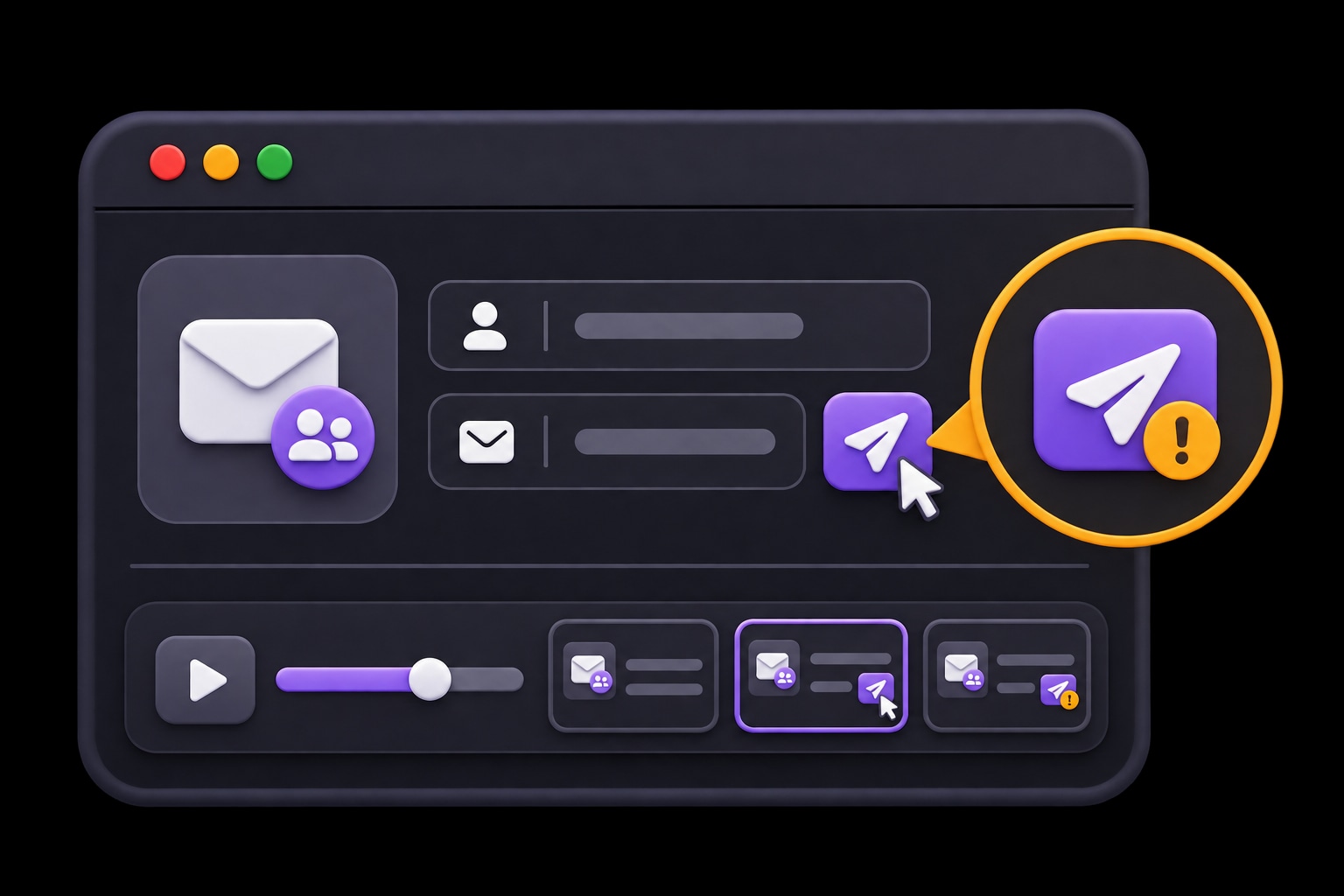
Start with one journey.
Describe the task, review the suggested tests, and choose when they run.
- 01
Define the visible task
Pick an account or reporting journey.
Explore and review cases - 02
Prepare synthetic accounts
Give the case its intended role and state.
Prepare test accounts - 03
Review the run
Compare the expected result with browser evidence.
Set plan triggers
Questions about HiTest
What does a browser check verify in a financial workflow?
It checks the visible steps and outcomes described in the case, such as a selected reporting period or the access available to a test role. Use a test environment and synthetic accounts. Browser evidence complements the other checks your team uses for backend behavior and product requirements.
Can we run these checks in staging?
Yes. Use your staging Base URL and accounts for that environment. The site must be reachable by HiTest's browser sessions. Prepare the records and account states the cases need before running the plan.
Can we run the plan after a deployment?
Yes. Configure a deployment webhook for the test plan and call it when the target environment is ready. You can also run the plan manually or on a schedule. Your team reviews the results and controls the release decision.
What will we see when a check fails?
Review the failed step, expected behavior, result summary, and issue context. Screenshots and recordings, when available, help the team see what happened in the browser and investigate the cause.
Add account and reporting checks to your next release.
Add one reporting or account-access flow to your release test plan.