Time-Dependent Testing: Expiry, Time Zones, and Scheduled Work
 By Xusheng Yang
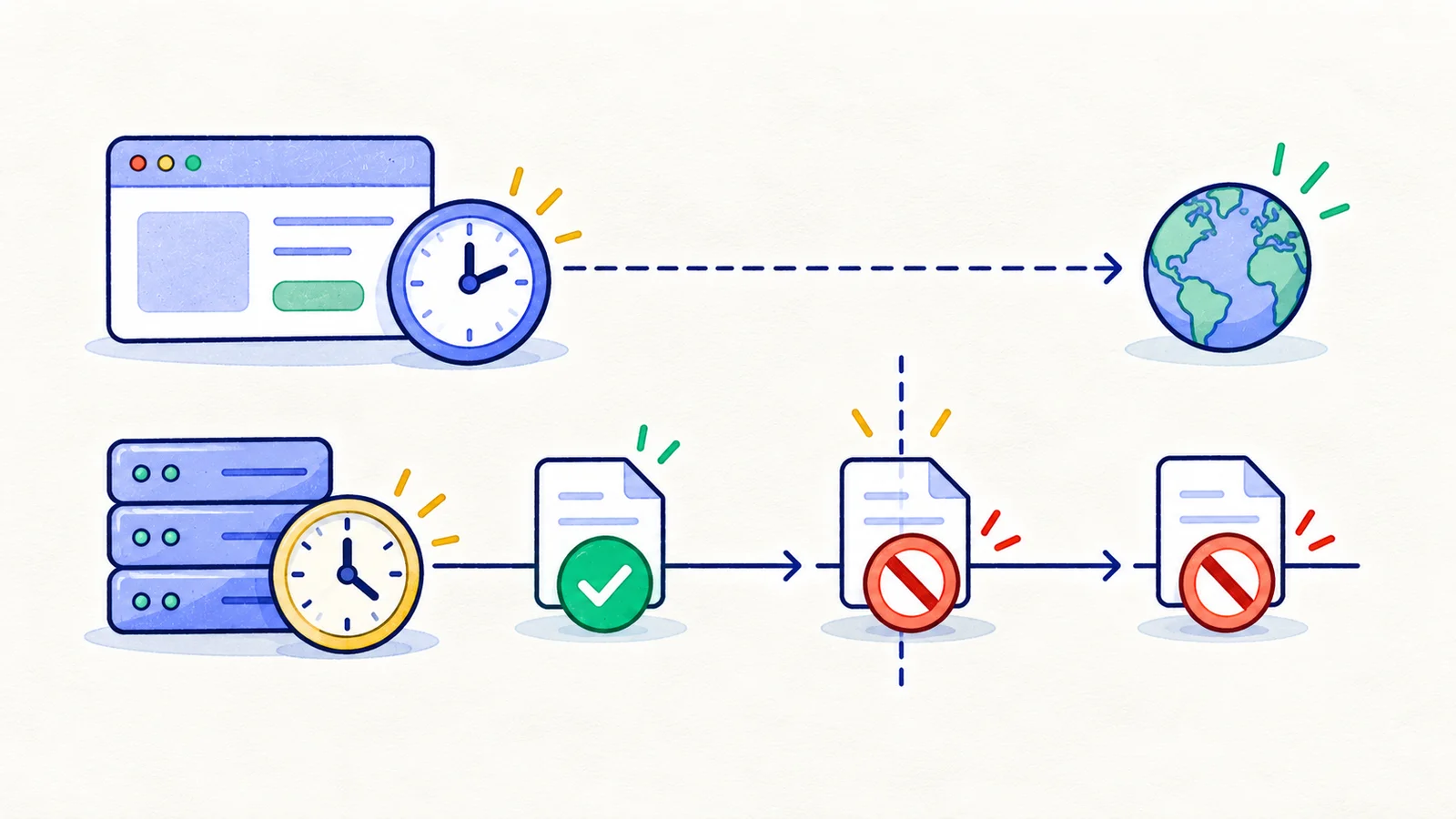
An invitation appears valid in the browser but is rejected by the server. A weekly task runs twice when the local clock repeats an hour. These failures are easier to investigate when time is an explicit input to the test.
Time-dependent testing controls or records the relevant clock, timezone, and execution schedule. The goal is a repeatable check of the product's time rule rather than a test that happens to pass on the day it runs.
This is part 17 of Testing Methods in Practice. The invitation and scheduler policies below are illustrative specifications.
Distinguish an instant from a local date or schedule
An expiry timestamp identifies an instant. A billing date may represent a calendar date in an account's timezone. “Every Monday at 9 AM” describes a recurring local-time rule that needs a timezone and a policy for clock changes.
Write the representation and authority for each field. For the invitation example, the server decides validity using an absolute expiry instant; the browser displays a local date and may provide an advisory countdown.
Assume the invitation is valid while server time is strictly before expiry. At expiry or later it is invalid. That exact comparison belongs in the test specification.
Check both sides of the threshold
| Controlled server time | Expected acceptance | Additional observation |
|---|---|---|
| One supported clock unit before expiry | Allow a valid unused invitation | Membership is created once |
| Exactly at expiry | Reject | No membership is created |
| One supported clock unit after expiry | Reject | Explain expiry and the recovery path |
| Before expiry, but invitation already used | Follow used-invitation policy | Time does not override usage state |
| After expiry, but browser clock is behind | Reject on the server | UI reconciles any optimistic countdown |
Choose the adjacent unit according to the application's timestamp precision. A millisecond test is meaningless if values are deliberately truncated to whole seconds.
Set up each case independently. Accepting one invitation changes its state and cannot provide a clean fixture for the remaining time cases.
Control the correct clock
Playwright's Clock API can control browser time and timer behavior. It does not change a backend service's clock, database clock, or third-party billing system.
Use an injected clock or prepared timestamps for server rules. Use the provider's documented sandbox controls for provider-owned time. Avoid changing the host operating system clock, which can interfere with unrelated processes and still leave remote clocks unchanged.
For countdown rendering, install browser clock control before the application initializes time-dependent code. This illustrative sequence only exercises the browser's timers:
await page.clock.install({
  time: new Date("2026-10-24T08:00:00Z"),
});
await page.goto("/test-invitation");
await page.clock.fastForward("00:02");
The route is an example fixture page, not a HiTest endpoint. Add the relevant assertion for that fixture; advancing the browser clock alone proves nothing about invitation acceptance on the server.
Test timezone conversion with fixed instants
Choose one absolute instant near midnight and display it under two supported timezones. Define whether the UI should show the same instant localized or preserve a date-only value unchanged.
Check date filters and exports using the same interpretation. A report labeled “October 24” must have a defined start, end, timezone, and inclusivity rule. Otherwise, a record near midnight can be included by the API and excluded by the UI without either test exposing the mismatch.
Use named timezone identifiers for recurring schedules when the product supports them. Fixed UTC offsets cannot express a timezone's seasonal clock changes.
Define daylight-saving and delayed-worker policies
A local time can be skipped or repeated during a timezone transition. Decide whether a skipped scheduled time is omitted or shifted, and whether a repeated time triggers once or twice. Test the scheduling calculation independently using a timezone database and known transition fixtures supported by the runtime.
Then test execution separately. If a worker wakes after several scheduled times were missed, should it catch up every occurrence, execute once, or skip? Preserve intended occurrence identifiers so retries cannot create duplicate work under the chosen policy.
Keep the exercise deterministic
For one time-based feature, write the authoritative clock, stored representation, threshold rule, timezone rule, and delayed-execution policy. Select before/at/after cases and a clock-disagreement case.
Retain both the intended occurrence and actual execution timestamps in the evidence. Pair these checks with boundary analysis and state-transition testing, since time often decides which transition is allowed.
Next in the series: Keyboard accessibility testing.