Boundary Value Testing: Choose Inputs That Expose Bugs
 By Xusheng Yang
A workspace supports ten active members. Inviting the third member works. Inviting the eleventh also works, which is the problem. Testing another ordinary count would not have revealed the missing limit.
Boundary value testing concentrates on the edges of ordered input or state ranges, where behavior is expected to change. Its usefulness depends on finding the actual rule and choosing values immediately around its thresholds.
This is part 2 of Testing Methods in Practice. The seat policy below is an illustrative specification, not an executed test result.
Make the boundary precise before choosing data
For this example, the rule is: a workspace can contain at most ten active members; pending invitations do not reserve seats; accepting an invitation consumes a seat. An owner counts as an active member.
Those details decide where to test. A limit checked during invitation creation would test a different policy. Write down what is counted, when it is counted, and whether the endpoint is inclusive. Ask what should happen to an invitation when the workspace fills before it is accepted.
Boundary analysis is one of the black-box techniques covered by ISTQB's Foundation Level framework. Here we use a three-value neighborhood around the seat threshold to make the example easy to inspect.
Build cases around the operation that crosses the threshold
| Starting active members | Action | Expected result under this policy |
|---|---|---|
| 8 | Accept a valid invitation | Member joins; active count becomes 9 |
| 9 | Accept a valid invitation | Member joins; active count becomes 10 |
| 10 | Accept a valid invitation | Acceptance is rejected; count stays 10 |
| 10 | Remove one member, then accept | Acceptance succeeds; count returns to 10 |
| 10 | Create a pending invitation | Invitation can be created; acceptance still requires capacity |
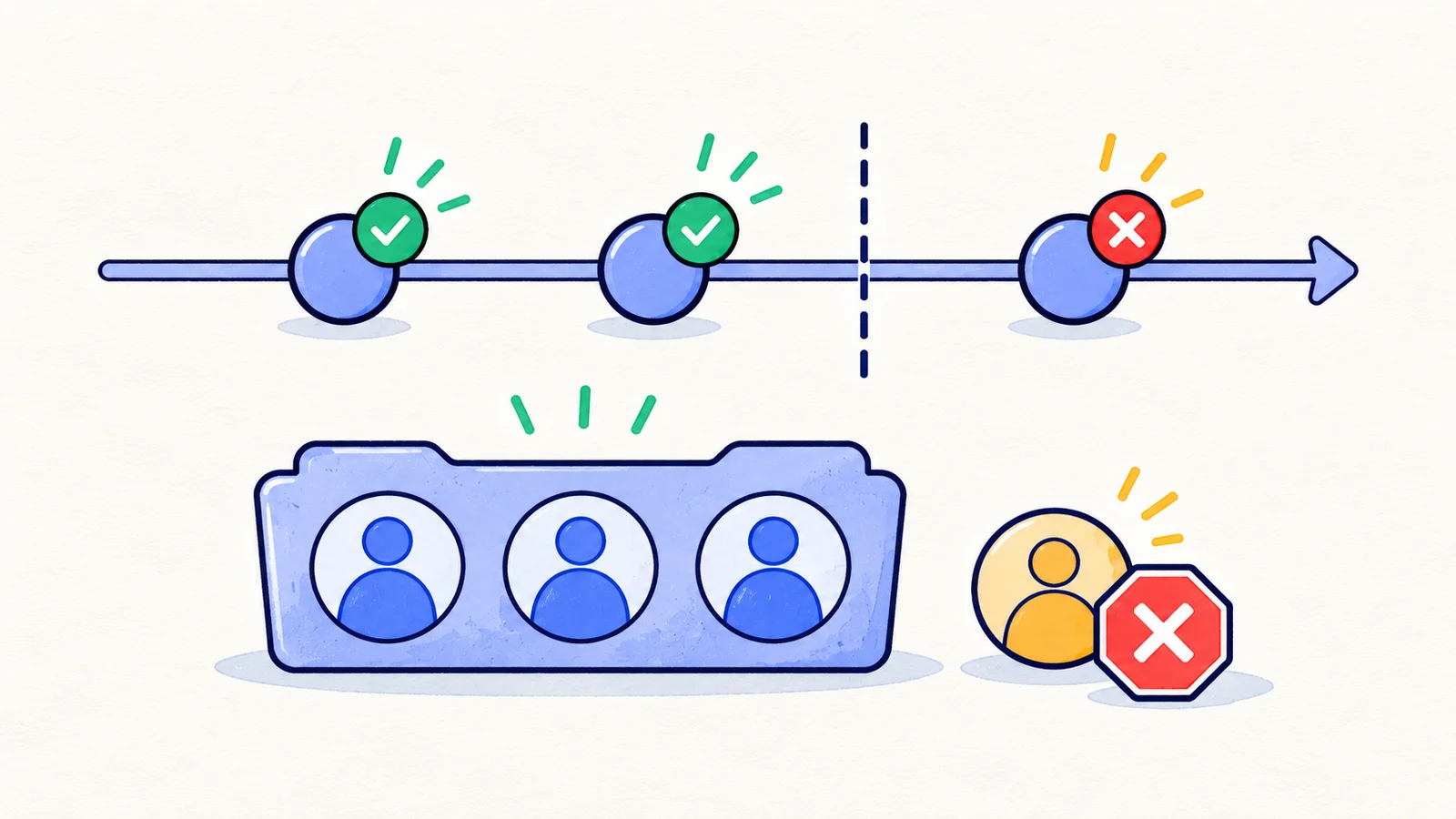
The input is a state count, not just a number typed into a form. Reset or independently prepare the starting count for each case so earlier executions do not move the next case away from its intended boundary.
For the rejected acceptance, verify that the invitee gains no workspace access and that no member record is partially activated. A disabled button alone does not prove enforcement. Use an authorized integration check for the server rule as well as a browser check for the explanation and recovery path.
Express units before testing file sizes
Suppose uploads allow a maximum of 10 MiB, defined as 10,485,760 bytes. Choose files of 10,485,759, 10,485,760, and 10,485,761 bytes that otherwise satisfy the same format requirements. Padding arbitrary bytes onto a document can corrupt it and accidentally turn a size check into a file-format check.
If the UI says “10 MB” while the service uses MiB, resolve that discrepancy before marking a near-limit file wrong. Record raw byte size with each fixture. Include a valid smaller file to distinguish a size defect from a generally broken upload path.
Keep size enforcement and feedback separate: an oversized upload should not become a durable record, and the user should understand why it was rejected. A browser test can verify the visible result; the API or storage layer may be needed to verify rejected data was not retained.
Apply the same method to dates and lengths
For an invitation that expires at a documented instant, test just before, exactly at, and just after expiry using a controllable server clock or prepared fixtures. Changing only the browser clock cannot establish server-side expiry behavior. The time-dependent testing guide covers that distinction.
For a name limited to 50 characters, first define what “character” means: bytes, Unicode code points, or user-perceived graphemes can differ. Use simple ASCII strings for the initial 49/50/51 check, then add a separate Unicode check against the agreed counting rule.
Watch for boundaries that move
A plan upgrade changes the seat threshold. A deletion frees capacity. Two users can accept invitations against the same final available seat. These are separate dimensions to add after the basic boundary cases are stable.
The concurrent case needs a coordinated experiment: both acceptance attempts must reach the capacity decision at overlapping times. Sequentially clicking twice does not establish protection against a race. Continue with concurrency testing when the limit depends on shared state.
A reusable boundary worksheet
For each limit, record the rule, units, inclusive or exclusive endpoint, operation under test, adjacent values, and expected side effects. Add how you establish and reset the starting state. Then identify one nearby valid case that confirms the feature still works after a rejection.
Your exercise: choose one real product limit and write three independent cases around its threshold. If you cannot state the expected result at the exact limit, you have found a requirement question worth resolving before automation.
Next in the series: Decision table testing.