Decision Table Testing: Turn Business Rules Into Test Cases
 By Xusheng Yang
“Admins can export reports on paid plans, except while a workspace is suspended.” That sentence sounds clear until someone asks whether a suspended admin should see an upgrade prompt or a suspension message.
Decision table testing makes combinations of conditions and their outcomes explicit. It is especially useful when each individual field is valid but the combination determines whether an operation is allowed.
This is part 3 of Testing Methods in Practice. We use a fictional report-export policy so the rules and test expectations can be reviewed together.
Collect conditions and define their meanings
Our policy uses three conditions: the workspace is active, the member is an admin, and the workspace has a paid entitlement. The action is creating a report export.
Agree on observable outcomes before filling the table. A suspended workspace must be blocked first. In an active workspace, a non-admin receives an access restriction. An active admin without the entitlement receives an upgrade explanation. Only an active, paid admin can create an export.
Here, “paid entitlement” means the effective access decision, not simply whether an invoice exists. Trials, grace periods, and enterprise contracts would need to be mapped to that decision in another set of checks.
Expand the rule before simplifying it
Three Boolean conditions produce eight possible combinations. Expand them first, then group cases only where the outcome is truly independent of the remaining conditions.
| Rule | Workspace active? | Admin? | Paid entitlement? | Expected outcome |
|---|---|---|---|---|
| R1 | No | Either | Either | Block export with suspension explanation |
| R2 | Yes | No | Either | Block export with role explanation |
| R3 | Yes | Yes | No | Block export with upgrade explanation |
| R4 | Yes | Yes | Yes | Create one export for the current workspace |
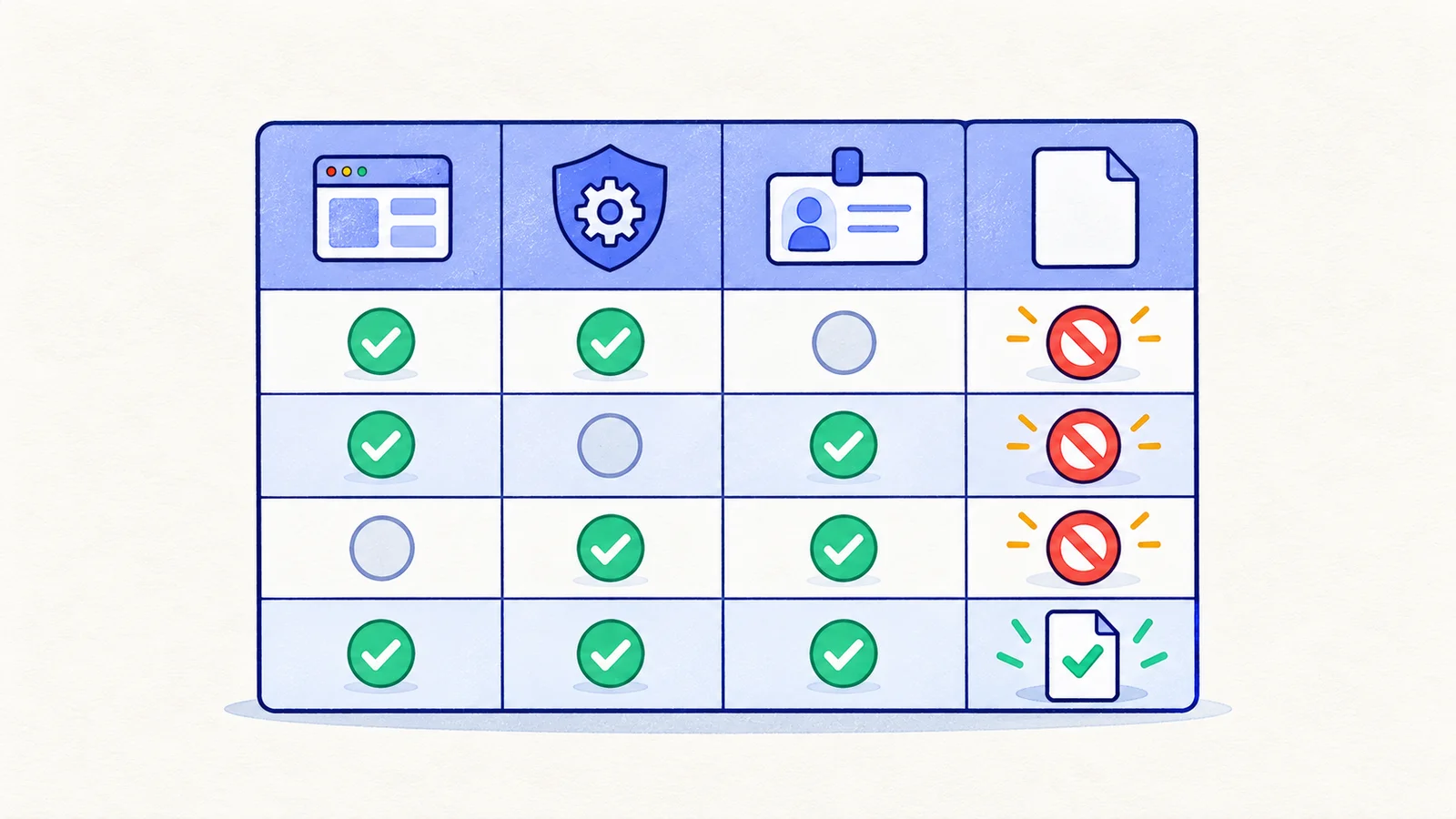
“Either” is a deliberate simplification: the condition must not change this rule's outcome. R1 represents four combinations, R2 represents two, and the other rules represent one each. Together they account for all eight.
The table expresses precedence as well as permission. If the product intentionally hides suspension details from non-admins, change the policy and table accordingly. Do not let the current UI decide which explanation is correct.
Derive independent tests from the table
For an initial suite, keep the eight expanded combinations so the simplification is verified. Give each test its own starting account and workspace state. For every blocked case, inspect both the displayed explanation and the absence of a newly created export.
For R4, confirm the export belongs to the selected workspace and contains the expected data. A download button appearing is weaker evidence than opening the intended file and checking its contents.
Case: Active admin without export entitlement
Given: An active workspace, an admin account, and no export entitlement
When: The admin attempts to export the monthly report
Then: The interface explains the required upgrade
And: No export job or downloadable report is created
The last condition may require an API or repository-level check. Keep it explicit even when your browser tool cannot observe it directly. Writing useful assertions explains how to match evidence to a claim.
Check for gaps, overlap, and impossible combinations
A missing outcome is a requirement gap. Two applicable rules with different outcomes are a conflict. Review both before creating automation.
An impossible combination needs an explanation, not a silent deletion. If your account model guarantees that every workspace always has an owner but allows zero admins, owner and admin must remain distinct conditions. If “suspended” is derived from unpaid status, separate the effective workspace state from the billing fact that caused it.
This distinction prevents a common modeling mistake: using correlated conditions as if they were independent, then building fixtures the application cannot actually produce.
Keep policy tests close to enforcement
Exercise the complete rule table at the service or authorization layer, where setting up combinations is usually cheaper. Use a smaller browser set to verify that allowed and blocked decisions connect to understandable UI behavior.
Decision tables are among the techniques in ISTQB's Foundation Level framework. For this example, the table itself is the review artifact: product and engineering should be able to agree on its outcomes without reading implementation code.
Update the table when the rule changes
Suppose editors gain export access. Change the role condition into explicit role values and revisit every affected rule. Reusing the old “admin: yes/no” test set would hide the new distinction.
For your next conditional feature, write the decision table before the tests. Ask a teammate to find a combination with no outcome. Then link the table to the resulting cases, so a later policy change has a visible coverage map.
Next in the series: State transition testing.