Pairwise Testing: Cover More Combinations With Fewer Cases
 By Xusheng Yang
A dashboard changes by role, plan, language, and feature flag. Testing each option once is easy. Testing every combination starts to feel like a second project.
Pairwise testing selects cases so every pair of selected factor values appears together somewhere in the set. It is a coverage strategy for interactions, not a promise that every defect involves only two factors.
This is part 5 of Testing Methods in Practice. The dashboard configuration below is an illustrative model, not a tested product or a benchmark result.
Choose factors that can change behavior
Use four factors with two values each: role is Admin or Editor; plan is Basic or Pro; language is English or French; a new-layout flag is Off or On. Assume all sixteen combinations are valid, and all users can open the dashboard.
Define what every execution checks: the correct dashboard loads, permitted actions match the role and plan, translated controls remain usable, and the layout flag selects the expected interface. These outcomes need separate requirements; pairwise selection does not invent them.
If a factor has many values, select representative values carefully before generating the matrix. Grouping all non-English locales into French, for example, would leave right-to-left layout unrepresented.
Start with a matrix you can audit
| Case | Role | Plan | Language | Layout flag |
|---|---|---|---|---|
| 1 | Editor | Basic | English | Off |
| 2 | Editor | Basic | French | On |
| 3 | Editor | Pro | English | On |
| 4 | Editor | Pro | French | Off |
| 5 | Admin | Basic | English | On |
| 6 | Admin | Basic | French | Off |
| 7 | Admin | Pro | English | Off |
| 8 | Admin | Pro | French | On |
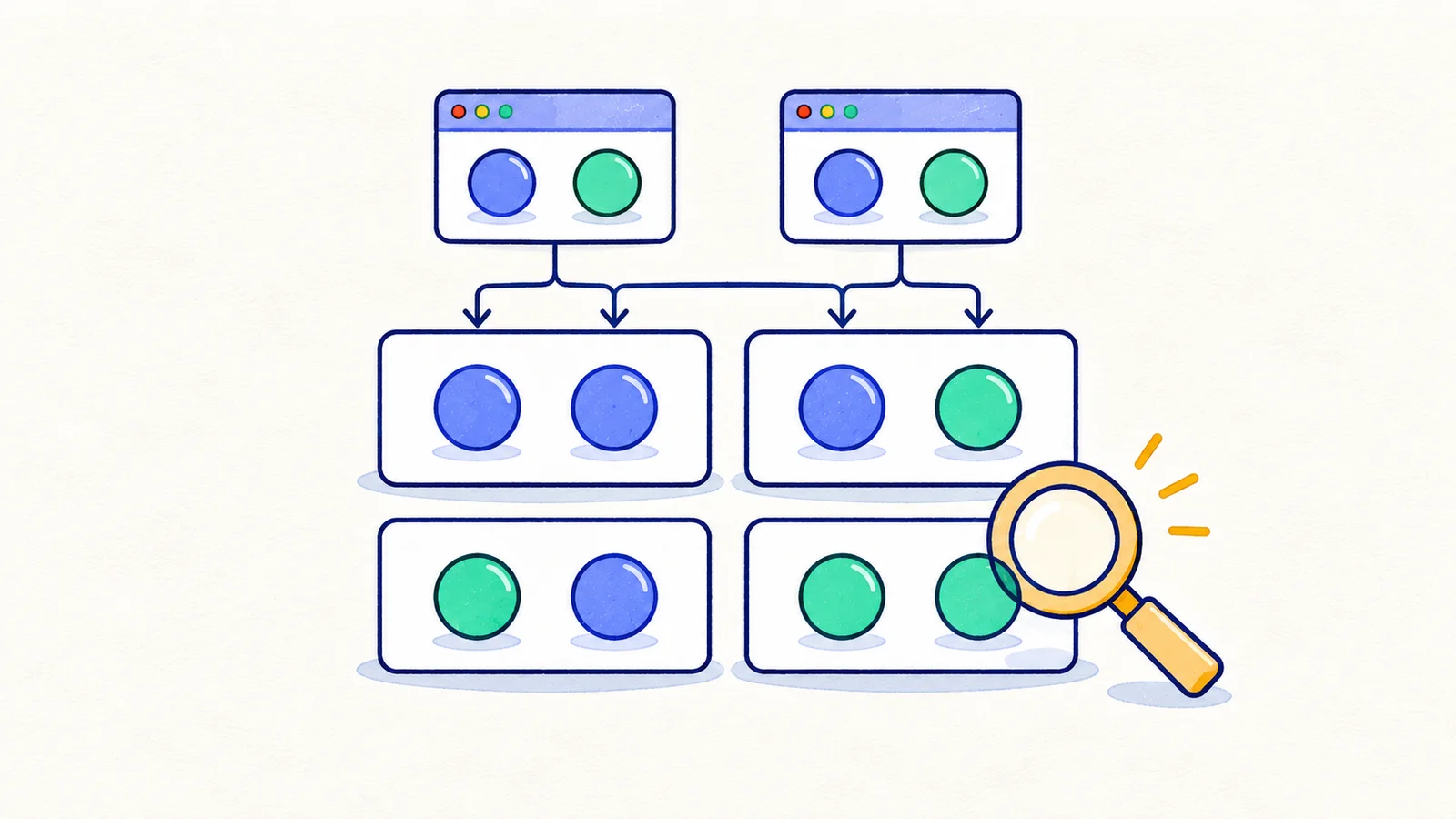
This eight-row set covers every pair for the four binary factors. It is a transparent example, not a claim that eight rows is the smallest possible set.
For a quick audit, select Role and Language. You can find Editor/English, Editor/French, Admin/English, and Admin/French. Repeat for Role/Plan, Role/Flag, Plan/Language, Plan/Flag, and Language/Flag. Six factor pairs, with four value pairs each, make twenty-four pair requirements.
Keep pair coverage distinct from behavior coverage
Executing a row without its assertions provides configuration coverage but little evidence of correctness. If a Basic Editor should not export data, actually verify the restriction. If French text can wrap, inspect the affected controls and complete their actions.
Keep a result for each row and the build it exercised. If case 6 is blocked by a broken fixture, its pair contributions remain unverified even if the other seven rows pass.
NIST's Automated Combinatorial Testing for Software project provides background and tooling for combinatorial methods. Larger models benefit from a generator and an independent coverage audit rather than hand-edited spreadsheets.
Model constraints before generating the set
Suppose Basic plans cannot enable the new layout. That makes some rows impossible. Add the constraint to the model and regenerate coverage over valid combinations. Deleting invalid rows from this table can remove unrelated pairs that still need coverage elsewhere.
Distinguish “invalid configuration” from “valid configuration that must deny an action.” Basic users attempting a Pro-only operation are often an essential test, not an impossible row to discard.
When rules are the main source of complexity, build a decision table first. Use pairwise selection for the surrounding configuration dimensions after the policy outcomes are clear.
Add important interactions deliberately
If you know that a Pro Admin using French with the new layout previously saw a missing menu, keep that exact combination as a regression case whether or not a generated pairwise set selects it.
Pairwise coverage can miss three-factor or four-factor faults. Use higher-strength combinations for risky areas, exhaustive checks for a small critical rule table, and selected real journeys based on product history. This is a tradeoff you should document in the plan.
Avoid claiming a fixed percentage reduction for every feature. The reduction depends on factors, values, constraints, and the coverage strength you choose.
A practical exercise
List four independent factors for one screen. Write their values, constraints, and the behavior each factor can influence. Generate or construct a pairwise set and audit every pair. Then add one known high-risk combination and explain why it deserves explicit coverage.
That explanation is part of the deliverable: a smaller set becomes useful when a reviewer can see both what it covers and what was intentionally left outside it.
Next in the series: Negative testing.