What to Retest After a Small Change to Your SaaS
A release changes three lines in a shared permission helper. Another changes a hundred lines of isolated marketing copy.
The number of changed lines tells you little about which customer journeys need fresh evidence. The permission helper may affect project creation, invitations, and billing access. The copy change may need a narrower visual and navigation review.
A useful regression decision starts with behavior and dependencies. This guide gives a solo founder a way to select checks without recreating a full product audit for every deploy.
Describe the change as customer behavior
Begin with a sentence someone outside the code could understand.
“Changed workspace middleware” is a location. “A member’s workspace role is reloaded when they switch organizations” describes the behavior the release affects.
Then name the roles, data, and entry points involved. Include anything shared with other journeys: authentication, workspace context, validation, navigation, billing state, or persistence.
Review the actual diff to confirm this map. A refactor can change behavior accidentally even when the intended product behavior stays the same.
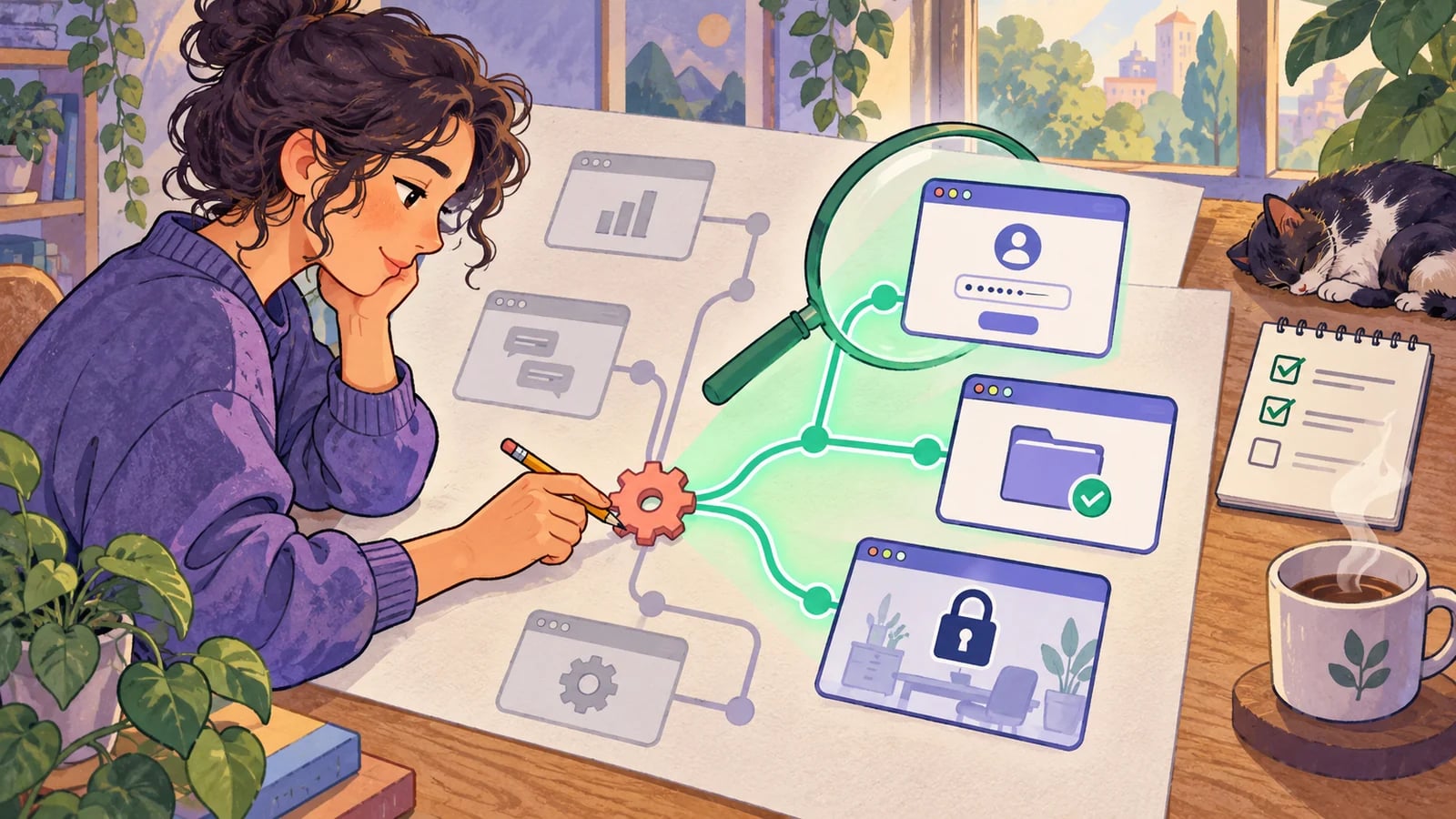
Choose three groups of checks
Start with the direct path: exercise the behavior you intentionally changed and verify the new expected result.
Next, choose adjacent checks that share the changed dependency. A shared save component needs a representative form outside the feature you edited. A workspace context change needs both the switch and an operation performed afterward.
Finally, run your small set of core journeys against the release candidate. These provide a consistent signal across releases, while the adjacent checks change with the diff.
The goal is a reasoned selection. Record important omissions so a passing result does not imply that every dependent feature was exercised.
Use a concrete change-to-check table
The following table is a starting point, not a universal release gate.
| Change | Direct check | Useful adjacent check |
|---|---|---|
| Signup validation | Valid and rejected signup inputs | Existing-account sign-in and verification handoff |
| Shared save component | Save and recover from one failed submission | Another form using the same component |
| Workspace selection | Switch between controlled workspaces | Create a record and verify its ownership |
| Role helper | Allowed and denied action for changed role | A separate protected action using the helper |
| Billing update handler | Intended subscription transition | Feature access after reload and a restricted account |
| Navigation or layout | Reach the changed destination | Keyboard path and primary journey on a narrow screen |
| Record query or filter | Expected records appear | Empty state, another workspace, and detail navigation |
Add environment-sensitive checks when the change needs them. A callback URL change needs the deployed redirect path. A schema change needs evidence about existing records and deployment sequencing, beyond a clean local fixture.
Match the test layer to the question
Use focused code-level checks for detailed rules and state transitions. Use integration checks for authorization, persistence, and connected service behavior. Use browser checks to confirm that a real user can complete the journey through the interface.
For example, a permission helper may need a matrix of service-level allow and deny cases, plus a smaller set of browser journeys that demonstrate the visible experience. Repeating every permission combination through the browser may add substantial setup without improving the diagnosis.
Keep visual review for changes where appearance affects usability. A form that submits correctly can still have its primary action obscured by a sticky footer on a phone.
Handle uncertainty by widening deliberately
Sometimes the dependency map is unclear. A legacy shared module has few checks, or an AI-generated refactor touches more files than expected.
That is a reason to review further or widen coverage. It is not evidence that the change is safe. Consider narrowing the release, separating unrelated work, or running additional affected journeys until you can explain the remaining risk.
A failed check should also update the map. If changing a project filter breaks exports, add that dependency to future reviews. Do not dismiss the connection because it was absent from the original plan.
Tie results to the release candidate
Run selected checks against the deployed version you intend to release. Record that version, target URL, data setup, and completion time.
If the code changes after a failure, rerun the failed case and relevant impacted checks. Decide whether the fix changes enough shared behavior to repeat the core suite. A green run against an earlier version cannot verify a later fix.
Separate product failures from blocked tests and setup failures. A stale test account explains why a check could not run; it does not establish whether the protected feature works.
Keep the decision in a short worksheet
Use this template in the release description:
Customer-visible change:
Shared dependencies reviewed:
Direct behavior checked:
Adjacent journeys checked:
Core journeys checked:
Version and environment:
Failures or blocked checks:
Untested scope and reason:
Release decision:
In HiTest, use explicit case targets in a test plan to keep the release set reviewable. A deployment webhook can trigger the plan when your deployment process is ready; confirm the target URL corresponds to that release.
Maintain the selected cases as the product changes. The solo developer testing guide explains how to keep the core set small, and the customer bug guide shows how an escaped issue can reveal a missing dependency worth protecting.