A Customer Found a Bug. How Do You Keep It From Coming Back?
A customer says, “I renamed the project, but the old name came back.” You patch the save handler and try again. The new name stays visible.
Before closing the issue, establish whether you reproduced the original failure. The customer may have switched workspaces, used a Viewer account, edited an archived record, or reopened the project in another session.
A useful regression case preserves the conditions that made the defect possible. It gives the fix a concrete target and creates a check you can use after future changes.
This walkthrough uses a fictional project rename bug. It is an example workflow, not a report from a HiTest customer.
Collect enough context to reproduce
Capture the action, expected result, observed result, and relevant starting state. Ask for only the information needed to investigate.
Useful context may include the affected feature, approximate time, application version, account role, workspace, browser, and whether the user reloaded or changed sessions. Prefer internal identifiers you can look up safely over asking someone to paste sensitive record content into a report.
Separate observation from explanation. “The name reverted after reload” is an observation. “The database lost the write” is a hypothesis until checked.
Preserve screenshots or recordings when available, with access limited appropriately. Avoid copying customer secrets or production data into a reusable test fixture.
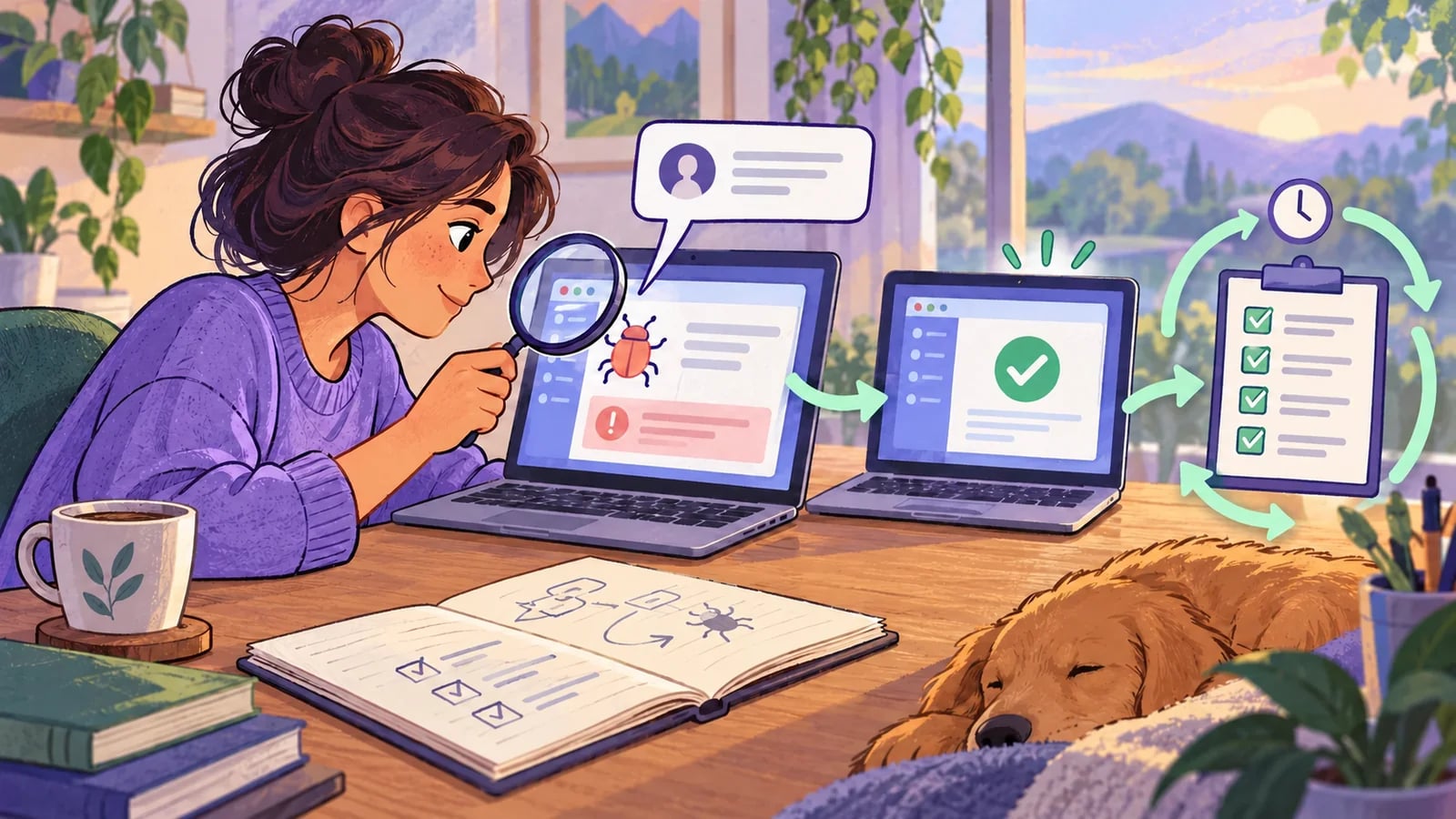
Reproduce in a controlled environment
Translate the report into a small starting fixture. For the rename example, create a project with a known name and description in a dedicated test workspace. Use an account with the same relevant role as the affected customer.
Run the reported sequence without adding convenient steps that change the conditions. If the report involves switching workspaces before editing, include that switch. If it involves a second session, use one.
Record the failing version and observable result. Where practical, verify the failure against the version before the fix. If the original environment or timing cannot be recreated, state exactly what you did reproduce and which part remains uncertain.
When the failure is intermittent, collect runs with the same setup and inspect timing or concurrency evidence. Repetition can expose a pattern, but it should not turn an unexplained successful retry into closure.
Write the acceptance condition around the lost behavior
Avoid writing a test that merely follows the new implementation. “The new save function was called” will not tell you whether the customer sees the correct project later.
A stronger case for this example is:
Starting state:
Editor account in test workspace A.
One disposable project with a known name and description.

Actions:
Rename that project and save.
Reload the page.
Open the same project through the project list.

Expected result:
The new name remains saved on the same project.
The original description and workspace remain unchanged.
If the defect requires another condition, add it to the starting state or actions. Keep the explanation next to the case so a future maintainer understands why the unusual step exists.
Use the layer that can detect the cause
A browser check can retain the customer’s failing journey. The underlying cause may also need a focused service or integration test.
For example, a write missing its workspace filter needs a direct authorization or persistence check. A stale browser cache may need a check of query invalidation plus the browser sequence. A race between writes needs controlled concurrency below the interface.
Choose the smallest useful set that protects the failure. You do not need to recreate the full customer journey for every low-level variation, but the visible symptom should remain represented when it matters to release confidence.
Verify the fix without weakening the expectation
Apply the fix and run the original reproduction again. Compare the result with the acceptance condition you wrote before adjusting the code.
A useful evidence pair is the same check failing before the fix and passing afterward. Keep the version and environment with both observations. If that pair is unavailable, explain the narrower evidence you have.
Then check nearby behavior. A rename fix should not erase the description, change workspace ownership, or break creation. A permission fix should preserve allowed access while denying the forbidden path. Choose those checks from the changed dependency, as described in the regression selection guide.
Do not remove a failing assertion merely because it makes the fix harder. Change the expectation only when you have intentionally changed the product requirement and reviewed the consequence.
Make the retained case independent
Use a fresh disposable record or an explicit setup fixture. Give it a unique marker and a clear cleanup rule. The case should not depend on the original customer’s account, the previous test passing, or an old project remaining in a shared workspace.
Keep these fields with the regression case:
- Original issue reference and customer-visible symptom.
- Relevant starting state, role, and workspace.
- Actions and exact expected result.
- Data setup and cleanup boundary.
- Why the case belongs at its chosen test layer.
- When it runs and who reviews failures.
If the defect is no longer possible because the feature changed, review the case and replace or remove it deliberately. A growing collection of obsolete reproductions creates noise rather than useful protection.
Close the issue with evidence and limits
Your internal resolution should identify the reproduced behavior, the fix, the verification result, and any unverified conditions. Keep customer communication appropriate to what you actually established.
In HiTest, save the reviewed browser sequence as a test case, then add it to an appropriate test plan. Review the run’s observed result instead of treating case creation as successful verification.
A customer bug can reveal a missing assertion, an untested role, or a dependency you did not know the feature shared. Preserve that lesson in a check that would have caught the same behavior before the next release.