How to Test Your SaaS When You’re the Only Developer
You finish a feature, click through it, and prepare to deploy. Then you remember the signup change from yesterday, the billing fix from last week, and the settings page you have not opened in a month.
When you are the only developer, testing competes with everything else. An exhaustive checklist quickly becomes something you stop using. A few remembered clicks leave you guessing about what still works.
A workable starting point is a small set of customer journeys with explicit results. You should be able to explain what each check protects and what a failure would mean for a release.
This guide uses a fictional project management SaaS as an example. Substitute the object your customers actually create: a report, booking, campaign, document, or test run.
Start with the promises customers depend on
Write down three promises your product makes. For the example SaaS, they might be:
- A new user can create a workspace and their first project.
- An existing customer can update a project and find the saved changes later.
- A workspace owner can invite a teammate with the intended access.
These promises give you a useful starting scope. A landing page can load successfully while all three are broken.
Choose additional checks according to consequence, frequency, and the area you are changing. A rare billing change may deserve more attention than a frequently used cosmetic preference because the consequences differ. You do not need a numerical risk formula to make that judgment.
For each promise, name the starting account, starting data, action, and observable result. This exposes missing decisions before automation adds complexity.
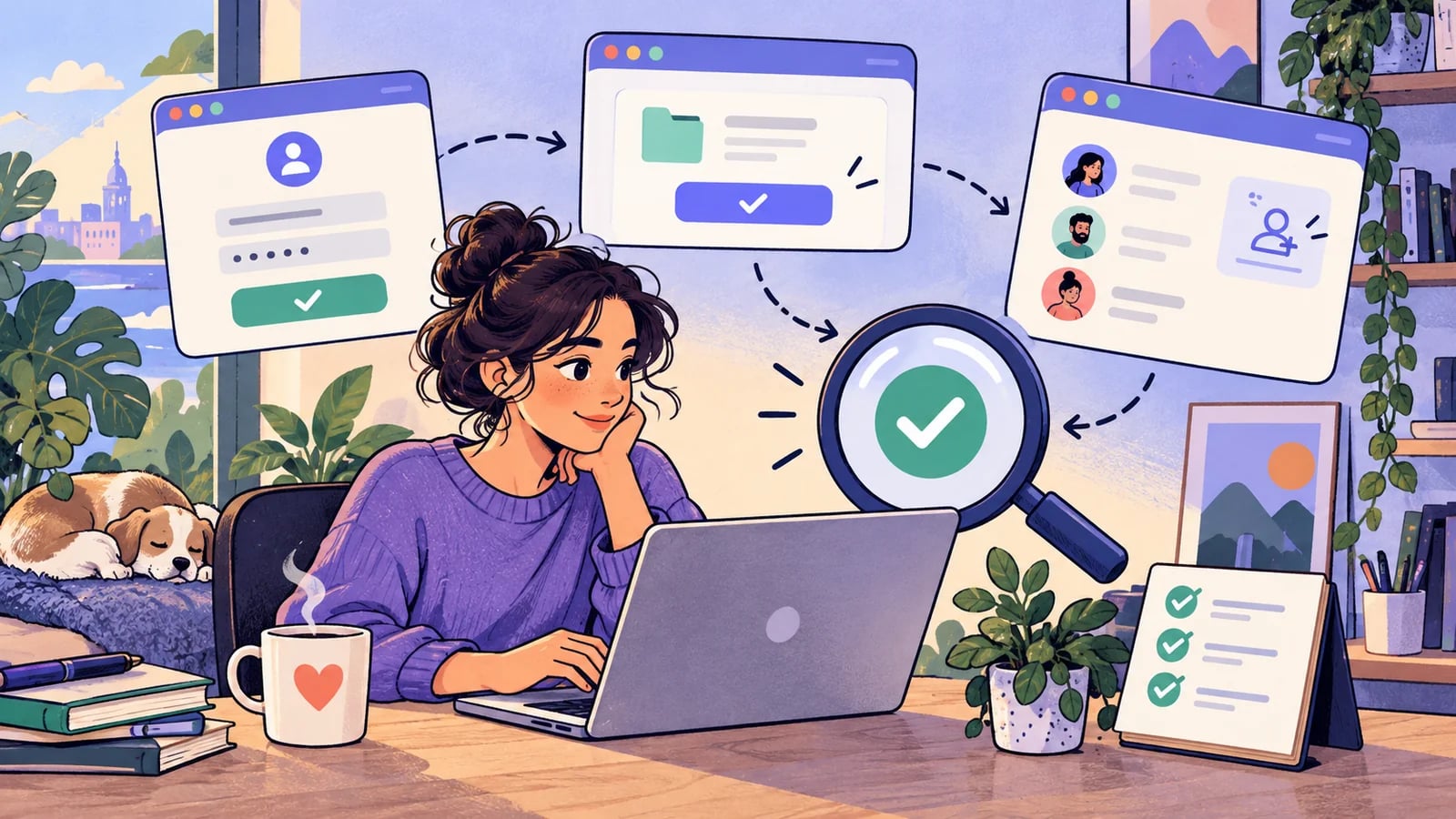
Build a small starting suite
Here is a suggested starting set. It is a scope choice, not a claim that five tests are sufficient for every SaaS.
| Journey | Starting condition | Result to verify |
|---|---|---|
| New user activation | Fresh account, no workspace | User creates a workspace and their first project |
| Returning user access | Existing member with a saved project | Correct workspace and project appear after sign-in |
| Create and edit | Member with creation permission | Saved fields survive reload and reopening |
| Permission boundary | Viewer account and an existing project | Viewer can read but cannot save an unauthorized change |
| Paid access, if offered | Account in the billing sandbox | The selected purchase produces the expected product access |
Add a check when it protects a distinct failure. Ten variations of the same form may be better covered close to the validation code; an invite acceptance journey exercises a different combination of systems.
Write down what you have left out. If exports are untested, record that gap. This keeps a passing suite from being mistaken for comprehensive coverage.
Walk one journey from a clean starting point
Take the project creation flow. Begin with a dedicated test account in an isolated test workspace. Use a project name unique to the run so an old record cannot accidentally satisfy the check.
- Sign in and verify the selected workspace.
- Open the project creation form.
- Enter the unique name and required fields.
- Submit and check that the new project appears.
- Reload the page and locate the same project.
- Open it and compare its saved fields with the submitted values.
A success notification at step four is useful feedback. It does not establish that the data survived a fresh read. Step six is the acceptance condition for this example.
Give cleanup an explicit boundary. Delete only records created for the run, or reset the dedicated workspace through your own fixture process. Shared customer data makes a poor test fixture.
Put detailed rules near the code
Browser checks are useful for the seams between the interface, authentication, backend, and storage. They can also be slower to diagnose than a focused check of one rule.
If a form has many validation combinations, check those rules at the component or service layer where practical. Keep a browser journey that confirms the form is connected to the real save operation and displays the result correctly.
This follows the user-facing focus described in Playwright’s testing guidance. The same guide recommends independent test state, which matters when your suite must remain understandable without a dedicated QA owner.
You can use a framework, a manual checklist, or an AI browser tool. The acceptance condition stays the same across those choices.
Attach testing to the release you are making
Use two groups: a small set of core journeys and additional checks related to the current change. A permission change should add role and workspace checks. A text edit in the footer usually needs a narrower review.
Record the environment and deployed version with the result. A run against yesterday’s staging deployment does not establish what works in today’s release candidate.
When a test fails, establish whether the failure comes from the product, the setup, or the check itself. Keep the observed failure while investigating. Repeatedly rerunning until a green result appears leaves the original question unanswered.
A missing account or unavailable provider is a blocked check. It should remain visible in the release decision rather than silently becoming a pass.
Make the routine repeatable
Keep this short worksheet beside your release notes:
- Change: What customer behavior could this release affect?
- Core checks: Which essential journeys ran against this version?
- Additional checks: Which nearby behaviors did you verify?
- Evidence: Where are the results, screenshots, or reproduction steps?
- Open risk: What failed, was blocked, or remains untested?
- Decision: Ship, fix, or narrow the release, with a reason.
HiTest can execute a defined journey in a real browser. Start with one precise test case, select a test account, and review the run before grouping cases into a recurring plan. Keep service-level assertions and fixture management in the tools responsible for those jobs.
For the first public release, use the pre-launch checklist. Once you are shipping regularly, use change-based regression checks to decide what needs fresh evidence each time.
Choose the next check for your situation
The rest of this founder testing series covers specific moments in a SaaS product’s development:
- Before your first public launch: walk the journey from the shared link to a return visit.
- After an AI-assisted code change: preserve the requirement while reviewing and verifying the implementation.
- When new users get stuck: inspect each handoff between signup and the first useful result.
- Before charging customers: connect sandbox billing state with actual product access.
- When adding team accounts: test invitations, roles, workspace boundaries, and revoked access.
- When the product saves customer work: verify record identity, fresh reads, and unchanged fields.
- After a small release: select checks from the changed behavior and its dependencies.
- Before a customer demo: rehearse the exact account, data, and recovery route.
- After a customer reports a bug: turn the original failure into a retained regression check.