Test Data Isolation: Why Tests Pass Alone but Fail Together
 By Xusheng Yang
One test renames a project. Another deletes it. Each passes when run alone, but running the suite in parallel produces a rotating collection of missing-record failures.
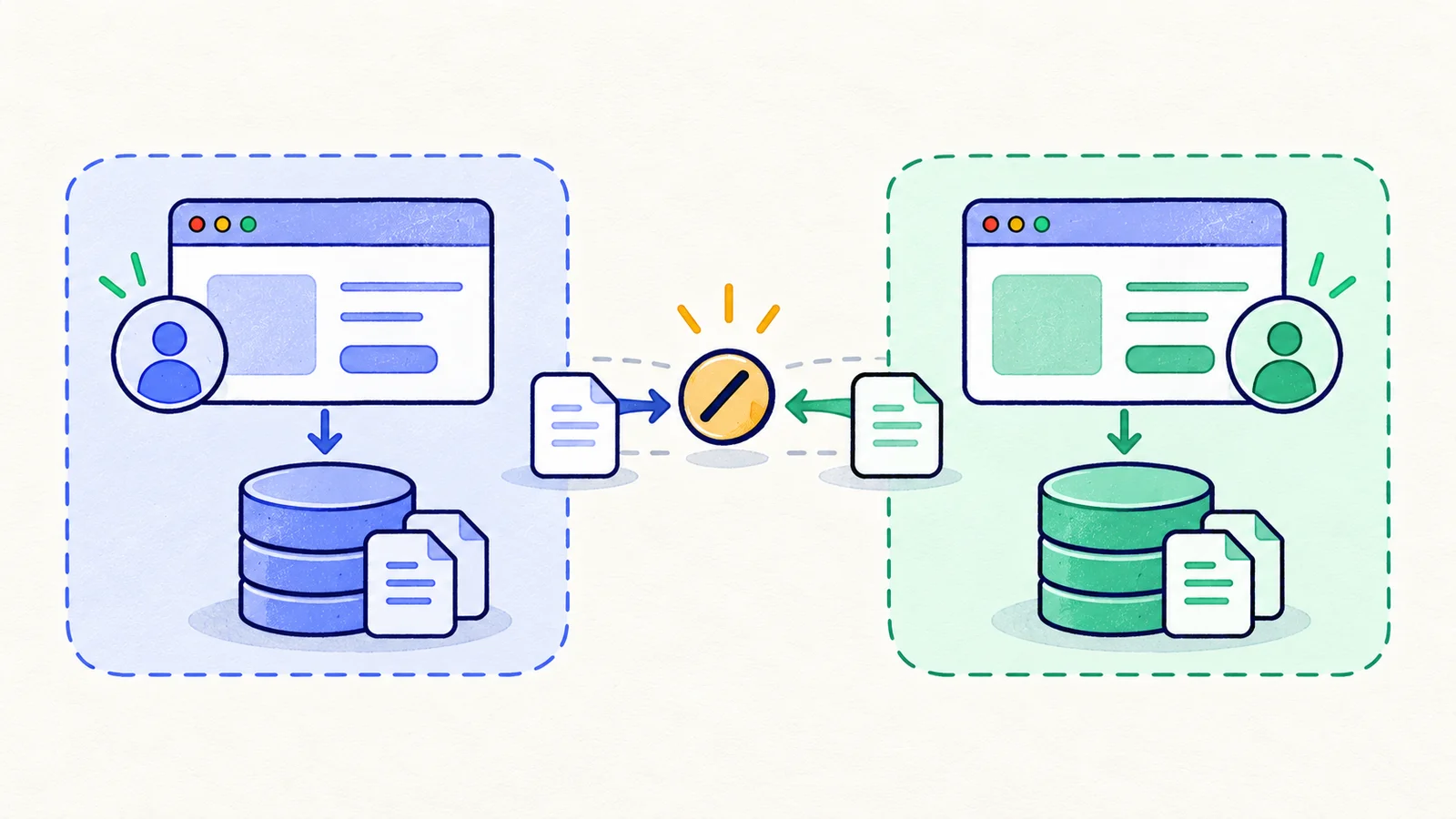
Test data isolation means one test's setup, actions, and cleanup do not accidentally alter the conditions another test depends on. Isolation includes browser state and the shared systems behind the browser.
This is part 10 of Testing Methods in Practice. The project-management examples are design exercises, not findings from an executed HiTest suite.
Map every place state can leak
Start with cookies, local storage, and session storage. Then include accounts, workspaces, database records, storage objects, background jobs, email inboxes, and external sandbox resources.
Playwright creates isolated browser contexts, which separate browser-side session state. Two contexts can still sign into the same account and modify the same project. Separate sessions do not imply separate backend data.
List shared dependencies explicitly. A test account with one remaining export credit can make otherwise unrelated tests interfere even if every project has a unique name.
Assign ownership before creating fixtures
| Resource | Recommended ownership for this example | Reason |
|---|---|---|
| Browser context | One per test | Prevent cookie and local-state carryover |
| Mutable project | One per test | Rename and delete cannot conflict |
| Read-only reference catalog | Shared if immutability is enforced | Avoid unnecessary setup cost |
| Workspace settings | Dedicated workspace for tests that change them | Prevent plan, locale, and permission leakage |
| Email destination | Unique recipient or correlation marker per case | Match messages to the intended action |
| Background job | Record the exact job identifier | Wait for the intended job, not the latest job |
Ownership can be per test, worker, or suite depending on the resource. Write down the assumptions. A per-worker account is not sufficient if tests on that worker leave mutable account settings behind.
Use unique identifiers, not just attractive names
Give each execution a run identifier, each worker an identifier, and each test its own resource suffix. Retain the server-returned object identifiers after creation. Use those identifiers for later reads and cleanup rather than finding a generic “Test project” by name.
This naming sketch is illustrative and contains no credentials:
run: release-candidate-042
case: project-rename
resource label: release-candidate-042-project-rename-unique-suffix
recorded identifiers: workspace ID, project ID, job ID if created
cleanup owner: project-rename case
Retries need a policy too. Either create fresh fixtures for each attempt or restore the owned fixture to a known baseline. Reusing half-mutated data can make the retry test a different starting state.
Make setup verifiable
After fixture creation, verify the role, workspace, starting record values, and relevant limits. Failing during setup should report an environment or fixture problem, not a product acceptance failure.
Avoid relying on a previous test to create the resource unless you intentionally model a single sequential journey. If a scenario has multiple dependent steps, represent it as one journey with a shared setup rather than pretending the steps are independent tests.
If your suite shares read-only seed data, enforce that boundary. A later “small edit” test can turn a safe shared fixture into a hidden coupling unless its ownership changes.
Clean up only what the test owns
Keep an ownership list of created resources and delete by exact identifiers. Never delete all records whose names contain “test,” especially in an environment used by several people or suites.
Wait for owned jobs to settle or cancel them through supported test-environment controls before removing their parent records. Otherwise, a late worker can recreate data or leave confusing orphaned artifacts.
On failure, capture the evidence first. Some teams retain failed fixtures briefly for investigation; others export the relevant facts and clean immediately. Define retention and cleanup explicitly so preserved evidence does not become indefinite data pollution.
Diagnose isolation with a small experiment
Run the failing case alone from a fresh fixture. Then run it beside the suspected competing case, preserving resource identifiers and timestamps. Change one sharing assumption, such as moving the two cases into separate workspaces, and compare the result.
Do not conclude that the bug is fixed because serial execution hides it. Serialization may be a deliberate temporary containment, but the shared-state dependency still needs an owner and explanation. See flaky-test diagnosis for a wider investigation process.
Your exercise: select two tests that mutate the same feature. Draw their resource ownership from browser to background job. Any shared mutable box is a candidate for isolation or an explicitly coordinated concurrency test.
Next in the series: Equivalence partitioning.