Exploratory Testing: Find Bugs Beyond Your Test Cases
 By Xusheng Yang
An upload test selects a document, clicks Upload, and checks that the document appears. It passes. A customer selects the same document, cancels halfway through, tries again, and gets two records that cannot be opened.
Exploratory testing helps investigate the behavior between the steps you already know. You learn about the application while designing and executing the next check. A useful session has a purpose, a record of what happened, and a stopping point.
This is part 1 of Testing Methods in Practice. The upload feature below is a worked example with assumed requirements, not a report of an executed HiTest run.
Write a charter that makes exploration useful
Start with a narrow question: can a workspace member recover from an interrupted document upload without losing their work or creating unusable records?
Prepare a test workspace, an editor account, two recognizable documents, and a documented maximum file size. Use disposable data and a controllable test environment. An upload to a real document-processing service might start additional processing or incur usage charges; account for those effects in the setup.
Here is a session charter you can reuse:
Mission: Explore recovery during document upload.
Scope: Selection, progress, cancellation, retry, and reopening results.
Starting state: Editor in an empty test workspace.
Data: Two valid PDFs with distinct names and known contents.
Questions: Are canceled uploads visible? Can retry duplicate a record?
Evidence: File identity, timestamps, screenshots, and reproduction steps.
Time budget: 30 minutes, including notes and a short debrief.
Stop when: The budget ends or an unsafe/uncontrolled side effect appears.
Thirty minutes is a practical starting budget, not a coverage guarantee. Adjust it to the feature and what you discover.
Change one aspect of the journey at a time
First complete a normal upload and reopen the document. This establishes a reference for filename, progress, completion, and readable content. Then introduce variations deliberately.
| Variation | Question to investigate | Useful evidence |
|---|---|---|
| Cancel during progress, then retry | Does the first attempt leave a partial record? | List before and after retry; record identifiers |
| Navigate away during processing | Can the member find the result later? | Destination page and reopened document |
| Select the same file twice | Is duplicate behavior clear and consistent? | Number of records and duplicate message |
| Upload a different file after failure | Does stale progress or an old filename remain? | New file identity throughout the flow |
| Refresh after completion | Was the result persisted? | Fresh page and readable document |
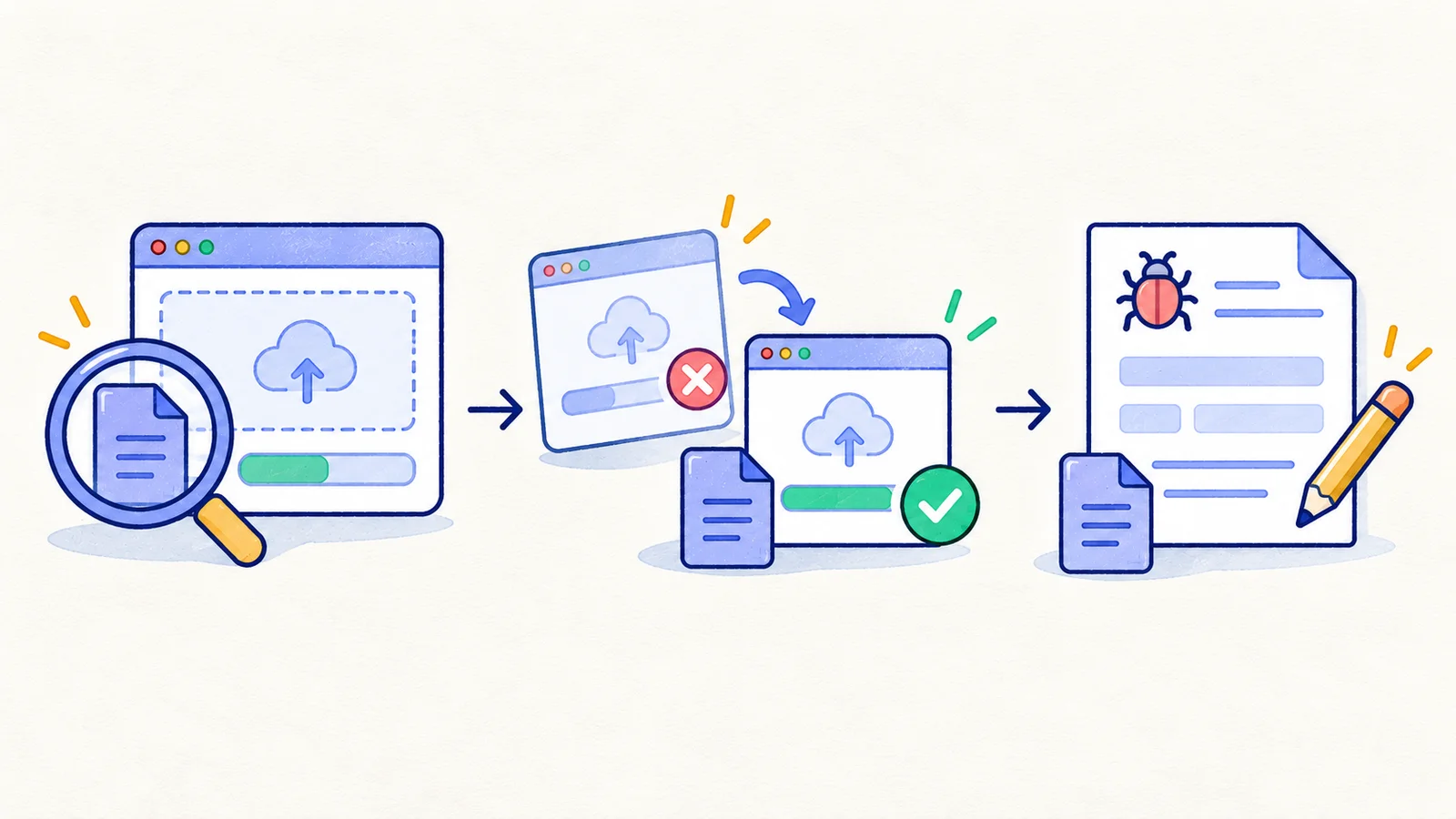
Treat these as investigation prompts. Whether duplicate files should be allowed is a product rule to resolve, not something exploration can invent.
Let observations guide the next experiment
Suppose canceling removes the progress bar, but refreshing reveals an empty document. Record that observation before clicking around further. Repeat from a clean starting state and vary the cancellation point: before transfer begins, during transfer, and while server processing is underway.
If only the last condition produces the empty document, the report is already more useful than “uploads sometimes break.” You have a narrower trigger and a clearer place to investigate.
Keep observations separate from explanations. “The list contains two rows after one retry” is evidence. “The worker ran twice” is a hypothesis until logs or another source establishes it. Capture a request or job identifier when the environment exposes one, without putting credentials into the report.
Keep a lightweight session record
Use one line per experiment: starting state, variation, observation, and next question. Mark areas as explored, blocked, or still unknown. An expired login that blocks the session should not silently become a successful upload check.
At the end, sort your notes into reproducible defects, unanswered product questions, and valuable future checks. Microsoft documents exploratory sessions and feedback collection in Azure Test Plans; the same recording discipline is useful with a notebook or your existing issue tracker.
Turn a discovery into a repeatable check
Once you understand the canceled-upload defect, agree on expected behavior. For this example, a canceled attempt must not leave a usable document, and a successful retry must create exactly one readable result.
Write the starting state, exact cancellation trigger, retry action, and expected document identity. If the failure requires precise network control, retain that part in an integration or browser harness that can supply it. A recorded browser journey is useful for visible recovery, but cannot establish every internal cleanup condition.
Use manual test case creation to document the browser steps and keep deeper checks alongside them. The negative testing guide helps turn other unexpected paths into explicit cases.
For your next feature, write one charter before opening the browser. Finish with three deliverables: what you learned, what remains uncertain, and one regression check worth keeping.
Next in the series: Boundary value testing.