Error Recovery Testing: What Happens After a Request Fails?
 By Xusheng Yang
A settings form shows “Something went wrong.” The user clicks Retry. Now two notifications arrive, and nobody knows whether the first attempt saved.
Error recovery testing examines how a product moves from an unsuccessful or uncertain operation back to a usable state. The important questions include what the user retains, what the server committed, and whether a retry is safe.
This is part 7 of Testing Methods in Practice. We use a fictional notification-settings form with a save action and a confirmation email. Examples describe planned checks, not completed test runs.
Separate failure points that look identical in the UI
A failed browser request can mean the operation never reached the server. It can mean processing failed before commit. It can also mean the operation succeeded but the response was lost. The browser's error message alone cannot distinguish these cases.
Define the save contract: the latest settings should persist, unsaved edits should survive a recoverable failure, and retrying the same logical save must not send another confirmation email. A new deliberate settings change may produce a new confirmation.
That final rule is an example policy, not a universal email requirement. Resolve the intended side effects with the feature owner before writing tests.
Construct a controlled failure matrix
| Failure point | How to arrange it in a test environment | Main recovery check |
|---|---|---|
| Before request leaves browser | Block the relevant request | Draft remains editable; nothing was saved |
| Server validation rejects input | Submit a documented invalid setting | Explain the field error; retain other valid edits |
| Dependency fails before commit | Use an application test seam or stub | Existing settings remain consistent; retry can succeed |
| Commit succeeds, response is lost | Commit through a controlled server seam, then drop response | Reconcile saved state; retry does not duplicate side effects |
| Session expires before authorization | Expire a test session deliberately | Explain reauthentication and the draft recovery policy |
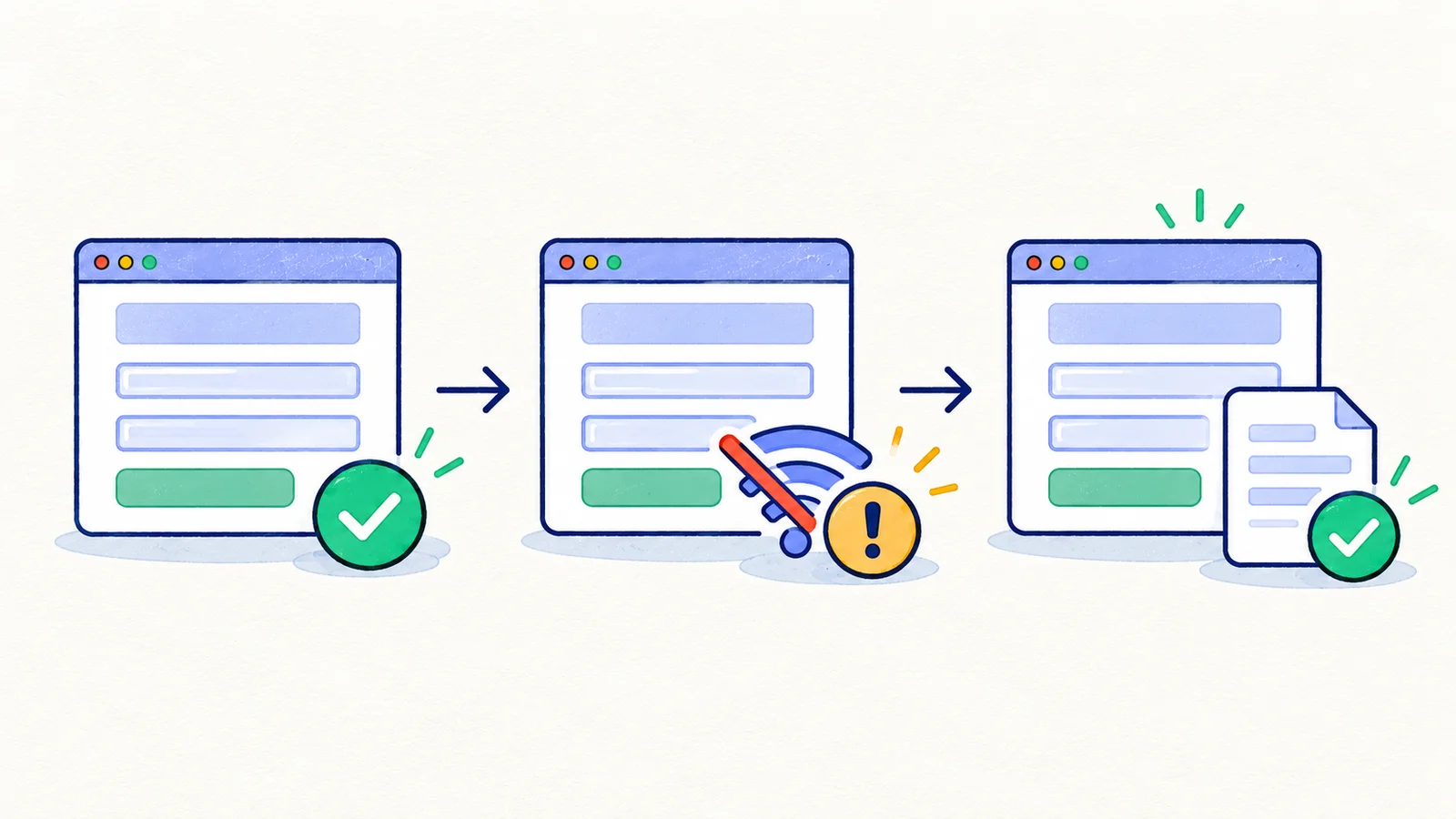
Playwright supports mocking and intercepting network requests. Browser interception can simulate a failed response, but it does not by itself prove that a real server committed and then lost its response. That case requires a server-side seam or coordinated proxy.
Verify the draft, the final record, and side effects
For each case, record the original settings, edited values, operation identity if available, and expected side effects. After the failure, inspect whether entered values remain and whether Save or Retry becomes usable again.
Then read the saved settings through a fresh request or independent browser session. The current form may still display optimistic local values. If confirmation emails are involved, use a sandbox mailbox or delivery sink and inspect the count and operation association.
Do not start by clearing the form or refreshing away the evidence. A lost draft is part of the failure you are trying to detect. Capture it before resetting the test.
Exercise the uncertain-outcome case explicitly
When the server saved successfully but the response disappeared, a useful interface may fetch the current result and say that the settings were saved. Another product may keep the error and offer a safe retry. Both need an explicit contract.
An illustrative case is:
Given: Original settings and a distinct edited preference
When: The server commits the save but its response is dropped
And: The user follows the documented retry or reconciliation action
Then: A fresh session shows the edited preference
And: The logical save has only its permitted confirmation side effect
And: The form exits its submitting state
Retry safety depends on application behavior, not just disabling a button. Continue with concurrency and repeated-operation testing for overlapping retries and API/UI consistency for independent reads.
Distinguish waiting from permanent failure
A slow response may still complete. Define a usable timeout policy and a way for the user to understand an operation that is continuing in the background. If clicking Save starts an asynchronous job, check the job identifier and its eventual state rather than treating the initial acceptance response as completion.
Avoid arbitrary sleeps followed by a screenshot. Wait for a meaningful state within a documented budget, and preserve the timeout as evidence if that state does not arrive. Browser assertions and server observations have different time budgets; record both when diagnosing a mismatch.
Finish with a recovery exercise
Choose one durable write in your product. Design three cases: failure before processing, failure before commit, and lost response after commit. For each, specify the draft policy, saved-state policy, retry behavior, and forbidden side effects.
If your environment cannot create one of those situations reliably, mark that limitation. Keep the corresponding browser recovery case where it is observable, and assign the missing fault-injection check to the layer that can control it.
Next in the series: Concurrency testing.